www.prolight.co.uk Gobo Projector XP 80W User Manual
6
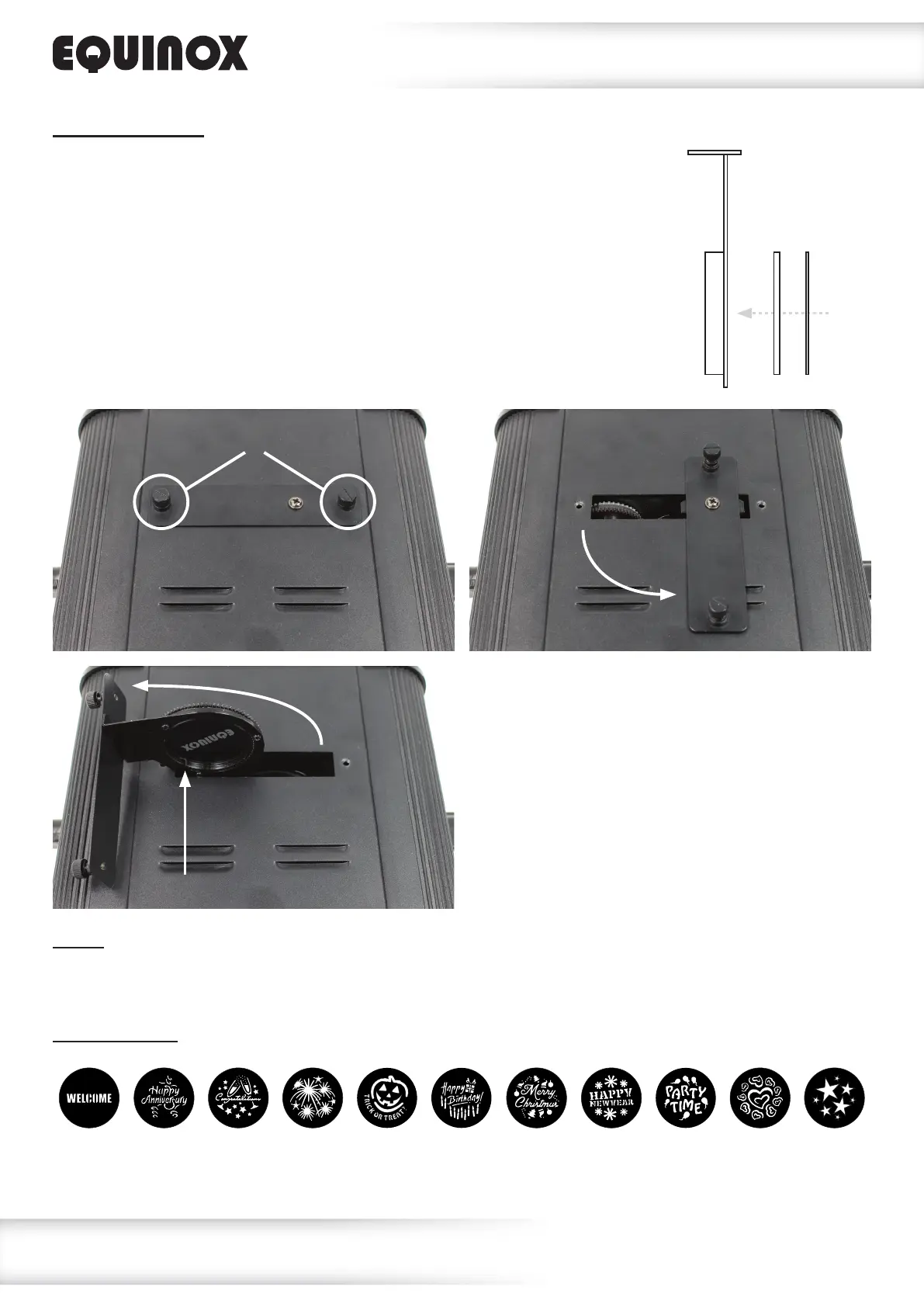
Gobo replacement:
The Gobo Projector XP is supplied with 11 steel gobo’s. To replace the gobo
rst power off the xture and leave to cool. Isolate the xture from the mains
voltage supply. On the underside of the unit remove the two thumbscrews and
rotate the metal plate 90° clockwise. Once rotated lift the metal plate upwards
and towards the left simultaneously.Carefully remove the circlip holding the
gobo in place, then remove the gobo and replace with the new gobo. Install the
gobo retaining circlip and reinstall the gobo carriage into the xture. Replace
the thumbscrews taking care to tighten them fully. Power on the xture and
adjust focus as required.
Focus:
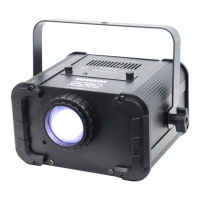
Manual focus adjustment is done by turning the lens assembly on the front of the xture.
Rotate the lens clockwise or anti-clockwise until the projected image is in focus.
Included gobos:
Gobo carriage
Gobo Retaining clip
Operating instructions
Users may change the gobos supplied for a
custom design of their own. Custom gobos
can be made of metal, or glass. The image
size for custom gobos should be no greater
than 35mmØ and the overall size of the
gobo should be 44mmØ.
Securing thumbscrews
Retaining clip




 To Next Page