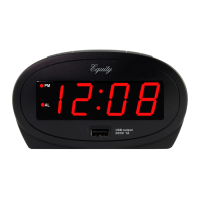
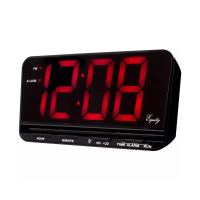
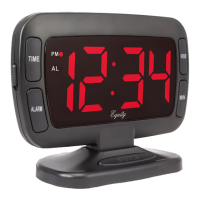
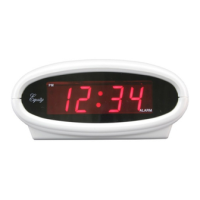
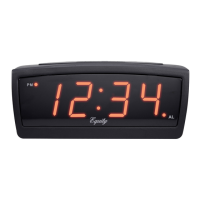
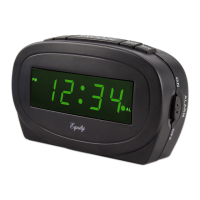
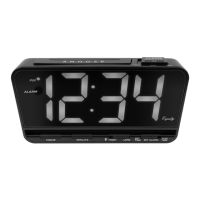
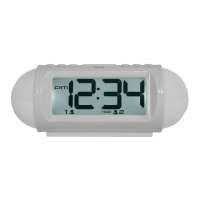
LED ALARM CLOCK
OPERATING INSTRUCTIONS
Model: 30029
TO OPERATE THE CLOCK:
When the clock is plugged in an AC outlet, the display will blink on and off meaning the incorrect time is being displayed. You should always check
the time when this is indicated. The clock will automatically indicate AM/PM, but you must be sure lo correctly set the indicator for the time and
alarm. When the PM indicator is on, “PM” will be displayed and when the AM indicator is on, nothing will be displayed. When the alarm indicator is
displayed, then the alarm will sound at the set time.
TO SET THE TIME:
Slide the TIME SET switch to T. Set. Press and hold the HOUR SET button to your desired hour. Be careful to set the AM/PM correctly, when PM
time is set, “PM” will appear on the display. Press and hold MINUTE SET button to your desired minute.
TO TURN THE ASCENDING ALARM ON AND OFF:
Slide the ALARM ON/OFF SWITCH to “AL. ON” Position. A bell icon will be visible on the display. When the alarm is activated, the alarm will sound
at the selected alarm time. Slide the ALARM ON/OFF Switch to the “AL. OFF” position to turn the alarm off.
TO USE THE SNOOZE FEATURE
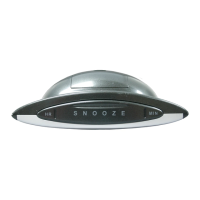
When the alarm is sounding, press the SNOOZE button. The bell icon will blink on and off indicating the snooze mode is activated. The alarm will
sound again after 8 minutes.
BATTERY BACKUP
This clock has an optional battery backup feature, designed to retain the time and alarm setting in the event of a power failure. To use the battery
backup, insert one 1.5v “AA” battery into the battery compartment noting the correct polarity. Note that the battery can be installed without
unplugging the clock. If the power fails, the battery backup will automatically continue running the clock maintaining the time and alarm settings.
However, the display will disappear. When the power is restored, the display will reappear. The battery will maintain timekeeping and the alarm
setting for approximately 8 hours during the power failure or interruption. If using the battery backup feature. It is recommended to change the
battery annually.
MAINTENANCE AND STORAGE:
Store the clock without the battery and use the original package when not in use. A soft cloth or a paper towel should be used to clean your clock.
Do not use any corrosive cleanser or chemical solutions on the clock. Keep the clock clean and dry to avoid any problems.

 Need help?
 General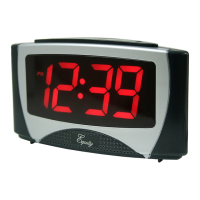

 To Next Page