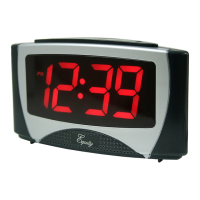
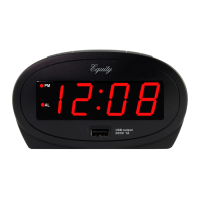
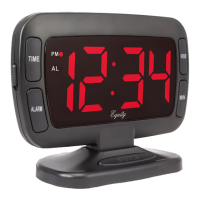
0.7 LED Alarm Clock Instruction Manual
Model: 30227/20228
OPERATION
Plug the cord into any l l0/I20V 60Hz AC outlet. The entire display may flash on and off. This is normal and will stop when the time is
set.
REMOVE THE DISPLAY PROTECTING STICKER BEFORE SETTING THE CLOCK.
SETTING THE TIME
1. Turn the rotary switch to Time Set.
2. Depress the Hour button to set the hour digit to the correct hour. REMEMBER to set the correct AM or PM (PM light indicator will
light up for PM time.)
3. Depress the Minute button to set the digit to correct minute.
4. After correct time has been set, turn the rotary switch to Alarm Off.
SETTING THE ALARM TIME
1. Turn the rotary switch to Alarm Set.
2. Depress the Hour button to set to the designated alarm hour. REMEMBER to set the correct AM or PM (PM light indicator will
light up for PM time.)
3. Depress the Minute button to set to the designed alarm minute.
4. After the designated alarm time has been set, turn the rotary switch to Alarm On to enable the alarm.
SNOOZE REPEAT ALARM OPERATION
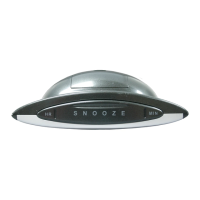
When the alarm sounds; simply
depress the Snooze button to silence the alarm for approximately 9 minutes. This can be repeated
as often as you wish for up to two hours. To shut the alarm off, turn the rotary switch to Alarm Off.
BATTERY BACKUP
Open the battery compartment and install a 9V battery (not included) to backup the correct time during any power interruption. The
display will not remain lit but the alarm operation will remain in normal operation. The correct time in the clock can be kept for
several hours depending on the condition of the alarm operation. When the power is restored, the display will be resumed and all
the previous settings will remain. If the backup battery is not installed, all the setting will need require reset.

 Need help?
 General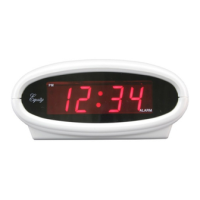

 To Next Page