-17-
#
√
Notes:
1. Outdoor camera registration can take up to 60 seconds.
2. Video handset registration can take up to 20 seconds.
3. Up to 2 outdoor cameras and 2 video handsets can be supported.
Power Saving Mode
1. The video handset is set to 'power saving mode' in order to obtain maximum
battery life from the Outdoor camera when battery powered. When in power
saving mode the monitoring feature is not available.
2. To enable the monitoring feature when the outdoor station is powered by
batteries (not mains powered), press the 'register' button for 3 seconds, the
outdoor camera will enter into 'register' status, press the 'register button' again
for 3 seconds, 3 'bleeps' will be heard. The outdoor camera will switch from
'power saving mode' to 'power consumption mode' and the monitoring feature
will now be available. Note: The monitoring feature is always active when the
outdoor camera is mains powered (connected to a PSU).
3. To revert to 'power saving mode' , under 'registered status' press the 'register
button' for 3 seconds, the outdoor camera will sound one long tone and revert to
'power saving mode' , the monitoring feature will no longer be available.
De-registering
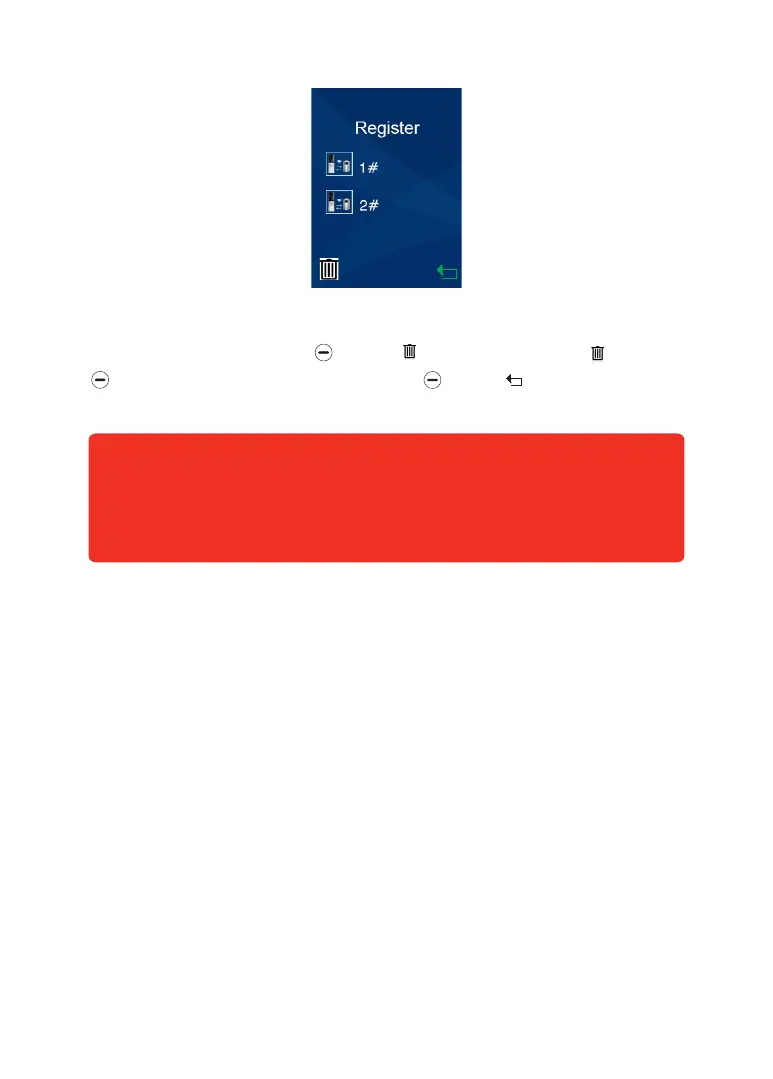
To delete the registration press beneath . The display will show ' ?', press
beneath '√'to confirm or 'x' to cancel. Press beneath to return to the main
interface.


 To Next Page