Page 5
ERA PROTECT HUB SET UP
1.
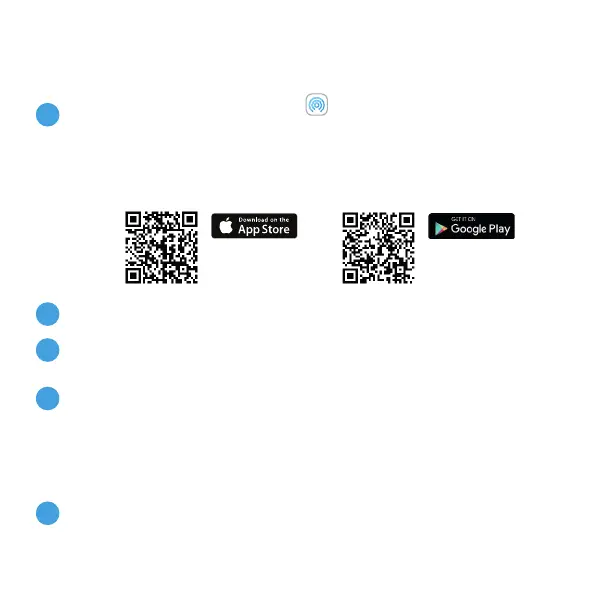
Download the ERA Protect app on your smartphone (search for
“ERA Protect” on Google Play or the iOS App Store) then follow the
steps below.
If you’re having problems finding the app please scan the QR code below with your
smartphone.
2.
‘Select ‘Sign Up’ to create an account.
Existing users select Protect from the side bar menu. New users select
ERA Protect Hub from the Device selection menu.
Decide how you would like to use the ERA Protect system. You have
three options:
- Internet with SIM Card Back up - Recommended (Plus Service
required)
- Internet only (Note: If your internet fails, your alarm will no
longer alert you)
Follow on-screen instructions to complete Hub set up.
3.
4.
5.



 To Next Page