Page 6
INSTALLING AN ACCESSORY
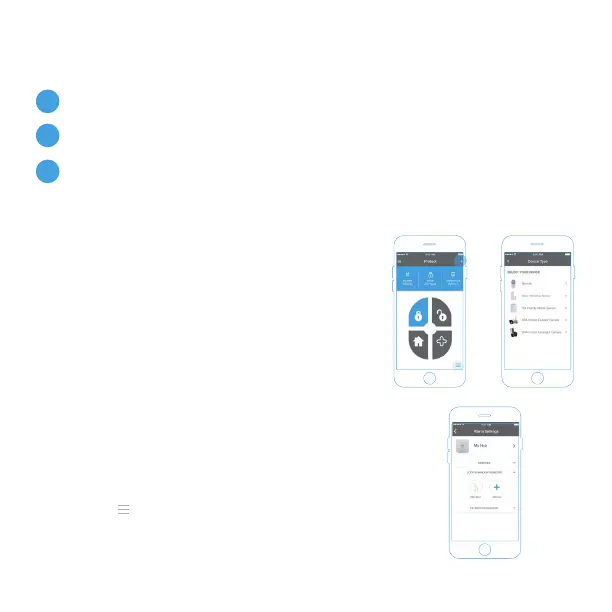
Once your hub is set up you will be taken to
your Protect home screen.
To add a device press the Add ( + ) button in
the top right hand corner and select Add
Device.
Follow the on-screen instructions to add your
device. Repeat as necessary for each device
you would like to add. You can add sensors in
any order.
Once all devices have been added please check
the Alarm Settings page, accessible via the side
bar menu ( ), to ensure all devices are listed
and displayed correctly.
1.
Add Device to app
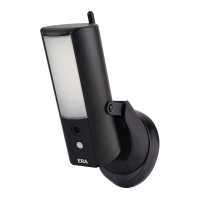
Place in required position
Switch on the Anti tamper after installation in the settings menu
Note: Anti tamper is disabled to allow easy installation.
2.
3.
ADD DEVICES



 To Next Page