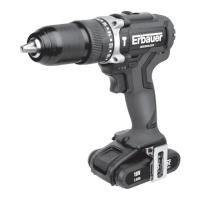
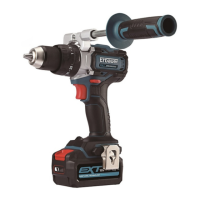
18V COMBI DRILL ERI603COM
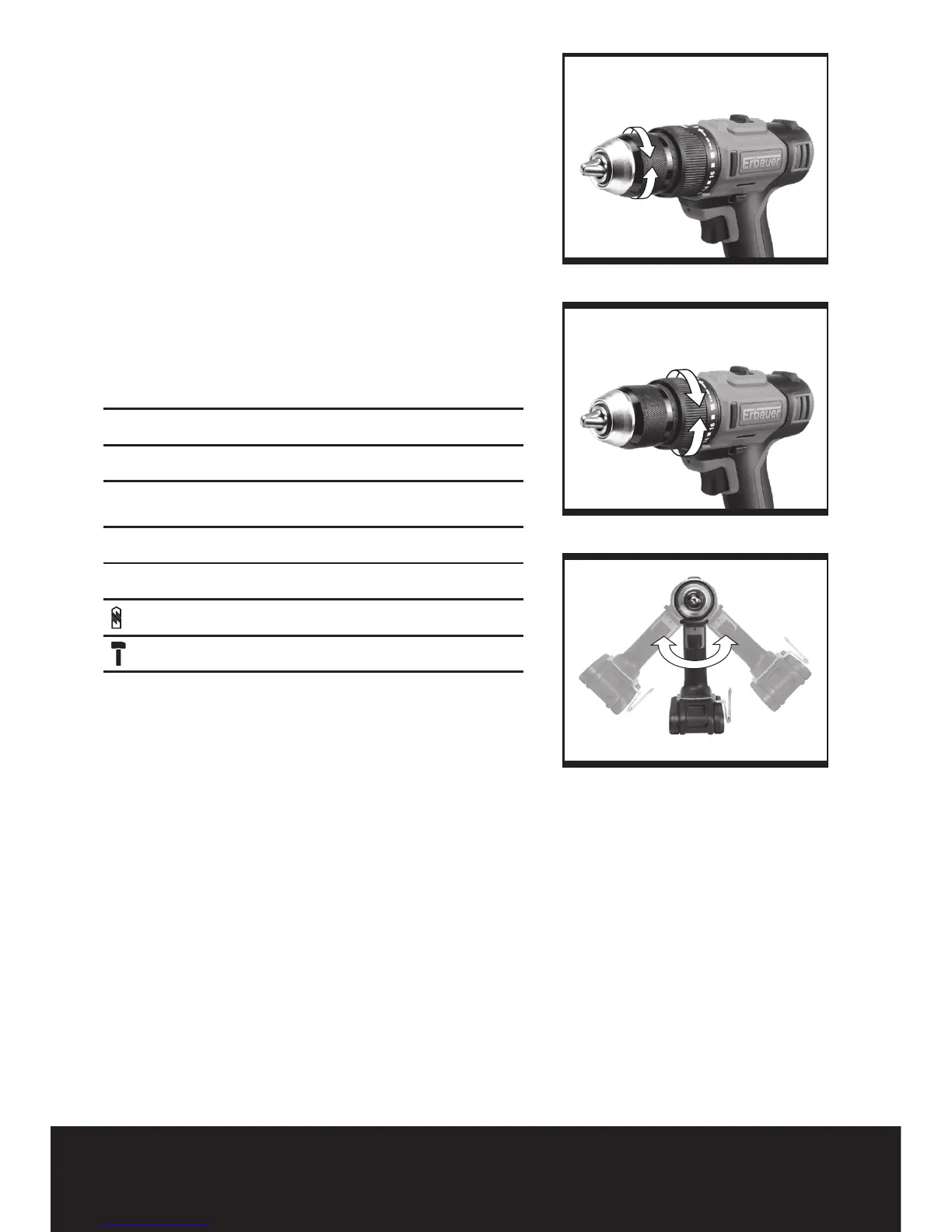
6. CHUCK ADJUSTMENT (See Fig. 6)
To open the chuck jaws rotate the front section of
the chuck. Insert the drill bit between the chuck jaws
and rotate the front section in the opposite direction.
Ensure the drill bit is in the center of the chuck jaws.
Finally, firmly rotate the front chuck section in the
opposite directions. Your drill bit is now clamped in
the chuck.
7. TORQUE ADJUSTMENT (See Fig. 7)
(Screw driving force of your drill driver)
The torque is adjusted by rotating the torque
adjustment ring. The torque is greater when the
torque adjustment ring is set on a higher setting. The
torque is less when the torque adjustment ring is set
on a lower setting.
Make the setting as follows:
1 - 4 for driving small screws
5 - 9 for driving screws into soft material
10 - 14 for driving screws into soft and hard
material
15 - 20 for driving screws into hard wood
21 for driving larger screws
for heavy drilling
for drilling in masonry and concrete
8. AUTOMATIC SPINDLE LOCK (See Fig. 8)
The automatic spindle lock allows you to use it as
a regular screwdriver. You can give an extra twist
to firmly tighten a screw, loosen a very tight screw
or continue working when the battery energy has
expired. For manual screwdriver purposes, the
chuck is automatically locked when the tool is off.
9. USING THE SIGHT LIGHT
To turn on the light simply press the on/off switch.
When you release the on/off switch, the light will be
off.
LED lighting increases visibility-great for dark or
enclosed area. LED is also a battery capacity
indicator. It will flash when power gets low.


 To Next Page