# VSH400PLC090909
6.6 CUTTING:
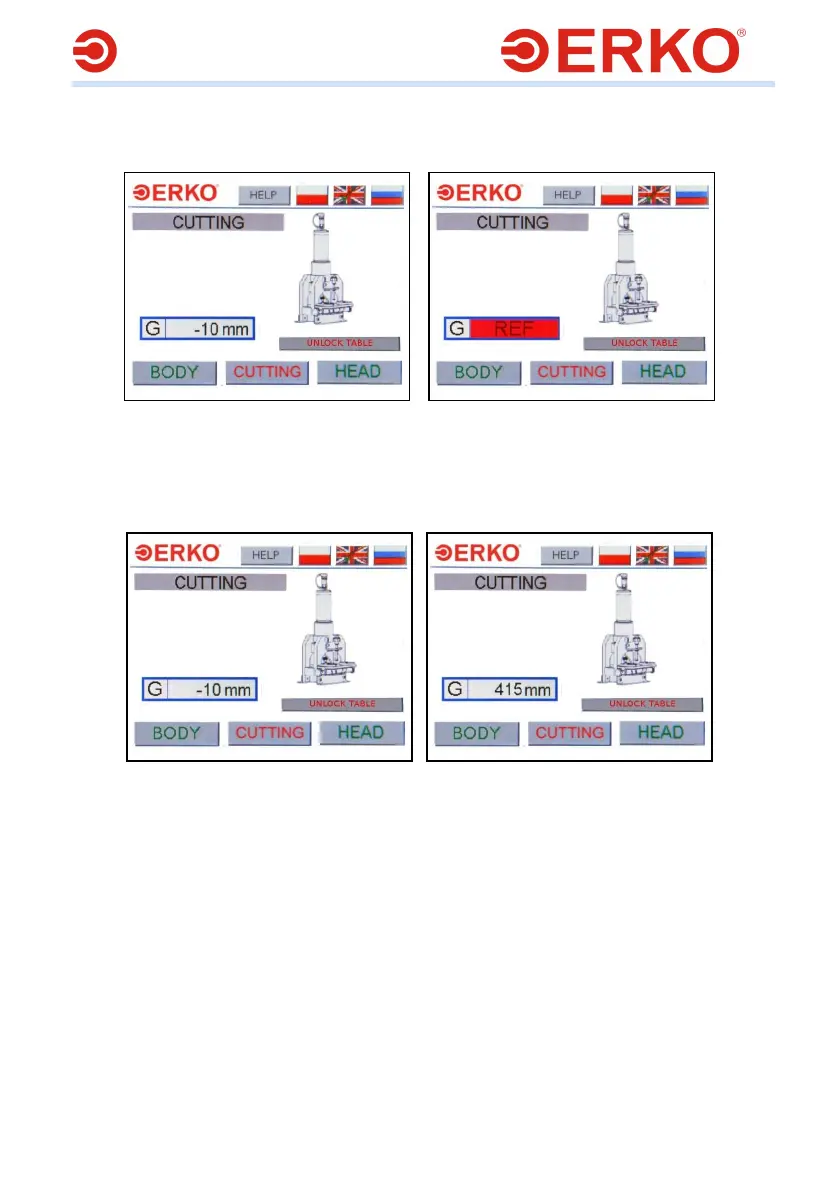
In order to start the cutting operation, go to menu CUTTING, Fig. 18. The program
starts and controls module SH405 and SH415PLC.
Fig.18 Fig.19
Working with SH415PLC. In order to find a reference point, press pedal Q3, move the
rail being cut to the cutter; after the pedal is released, the system sets to zero and
gives the negative offset, equal to the cutter thickness, Fig. 19, Fig. 20.
Fig.20 Fig.21
In order to adjust the length of the rail element which is being cut, move it under the
cutter for the desired length. The value is displayed in area G, Fig. 21. After the
desired length has been cut off, the counter sets to zero and gives the offset equal to
the thickness of the cutter.
NOTE: Electronic measurement of the length of cut rail is available as an option or as
part of the standard in the models of the SH400PLC PLATINUM series.



 To Next Page