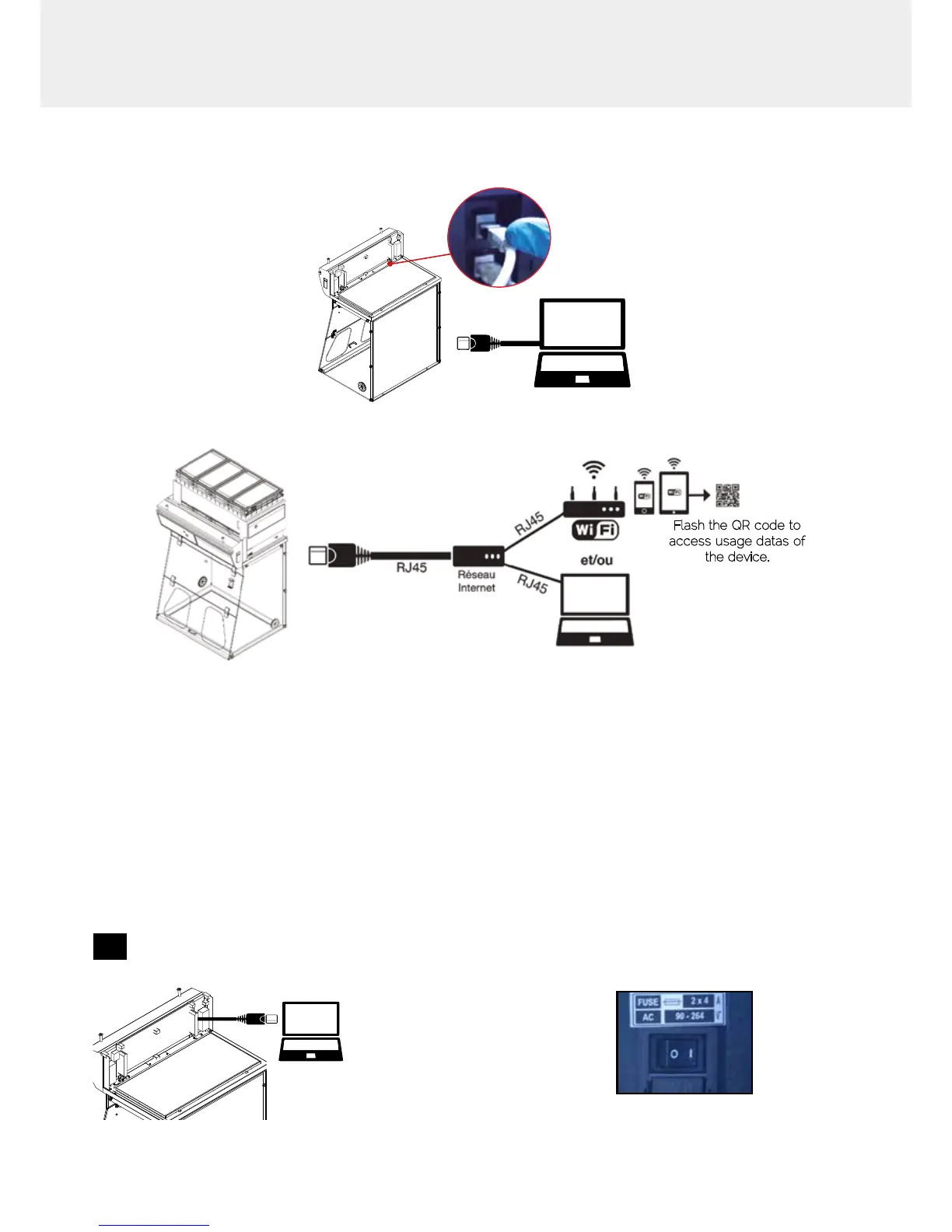
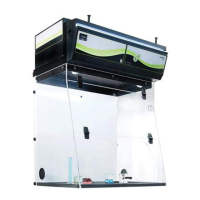
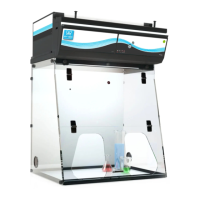
Options of connection
Embedded service
RJ45
Mobile or computer app
Flash the QR code to
access usage datas of
the device.
Accessing the Administrator interface
To monitor the parameters and modify the settings of the unit
In order to connect:
• Use a computer equipped with a Ethernet port (to plug the RJ45 cable)
• WIFI of the computer must be switched off
• Web browser (Internet Explorer, Edge, Chrome, Mozilla Firefox, Safari, …) must be installed on the computer
N.B: RJ45 cable used to plug the unit to the computer is provided.
1
Direct connection on computer
• Check that main switch (at the back of the
control panel on fume hoods and storage
cabinets) of the device is ON
• Take RJ45 cable (black) already connected
on the unit and rolled at the back of the control
panel.



 To Next Page