Page 12/40 Version 02.01 • Date 19JAN2017
Manual data transfer:
If the automatic data transfer was not possible, you can transfer the stored data
manually any time by selecting
.
The device will establish a connection and start the data transfer of stored data
which has not yet been transferred.
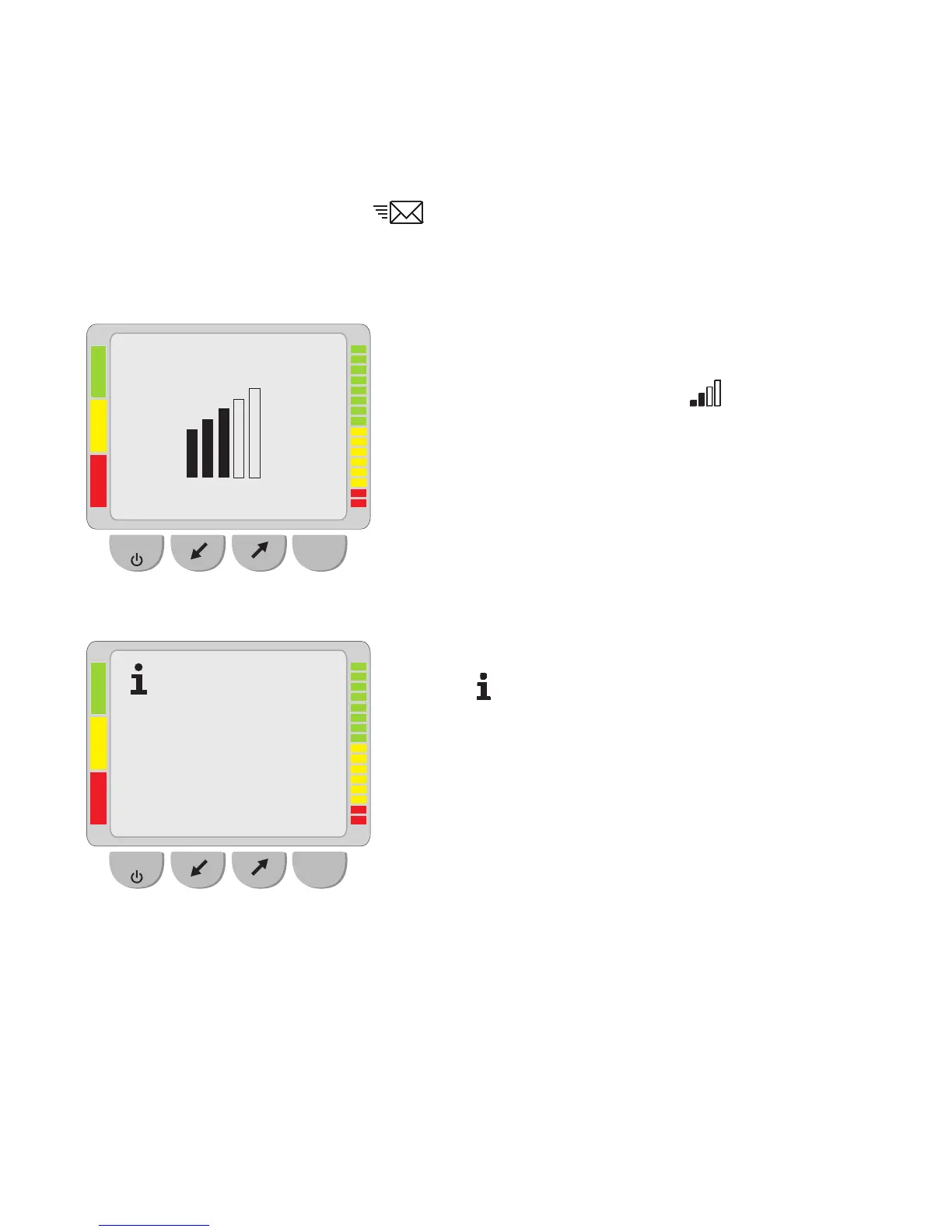
Signal and provider:
You can check the signal strength and the
network provider by selecting
.
The more black bars are visible, the better the
signal strength. At least one bar is necessary to
successfully transfer data.
Info:
Select
to indicate the number of data sets
which have been stored, acknowledged, sent
and failed.
OK
ESC
Telekom.de
OK
ESC
Data sets: 0002
Acknowledged: 0008
Sent: 0014
Failed: 0000



 To Next Page