Page 13/40Version 02.01 • Date 19JAN2017
OK
ESC
Press arrow keys
to select your choice
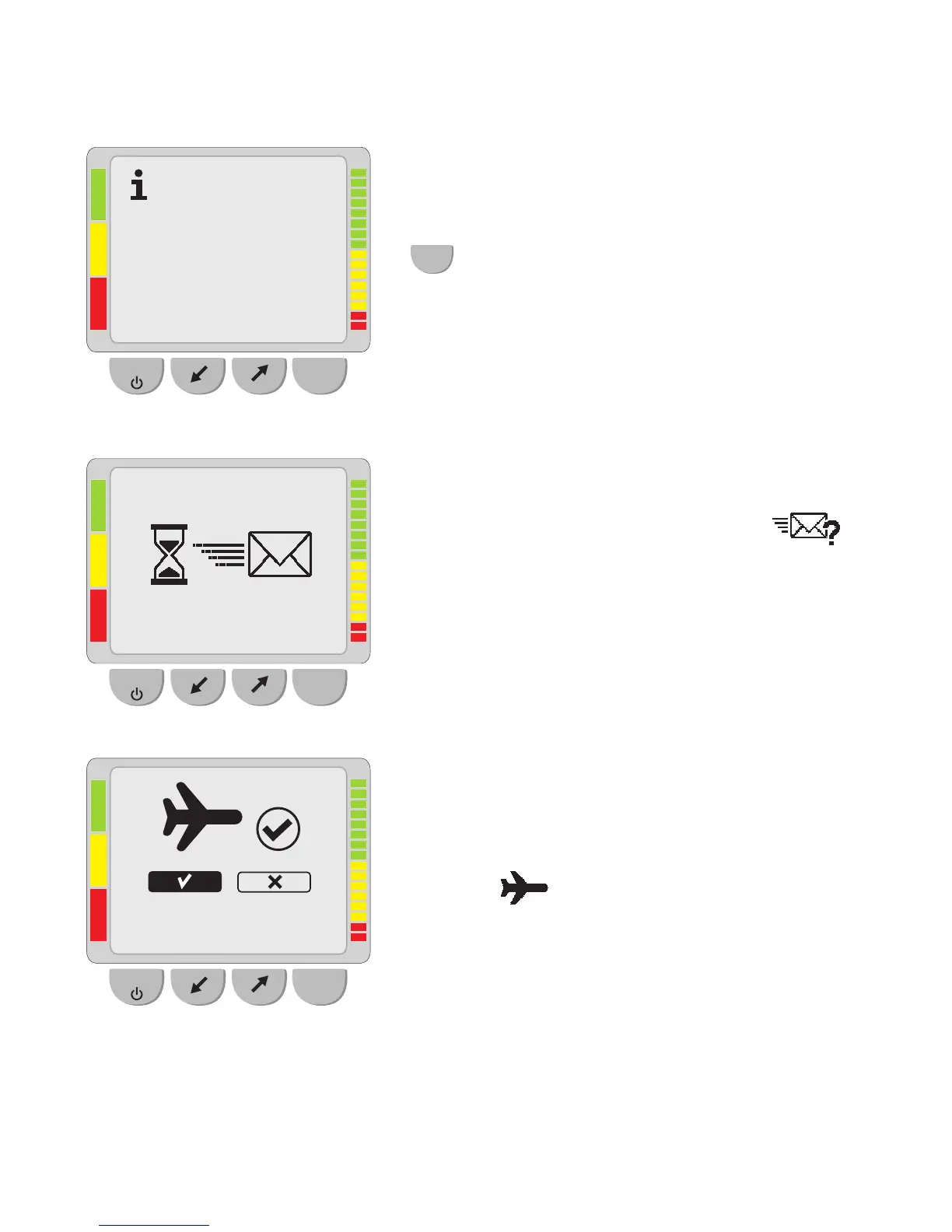
By conrming the rst information screen with
OK
this screen will appear indicating the
transmission type and SIM number.
Test transfer:
To test if the data transfer works correctly, a test
transfer can be performed by selecting
.
This test transfer can be performed independent
of study time windows and will not contain any
data.
Airplane mode:
When travelling by airplane, turn “Off” mobile
communication (airplane mode active) to prevent
possible interference with aircraft systems by
selecting
.
During activated Airplane mode the Bluetooth
and the mobile communication function are
disabled. As long as the airplane mode is active, a
small airplane icon is displayed in the upper right
corner of the start screen.
OK
ESC
Transmission type:
wireless
SIM no.: 0725340603
OK
ESC



 To Next Page