Need help?
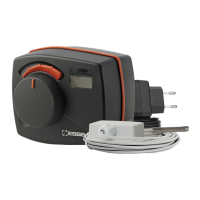
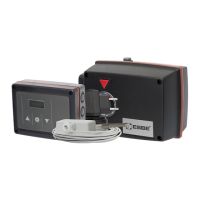
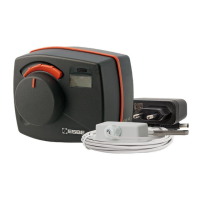
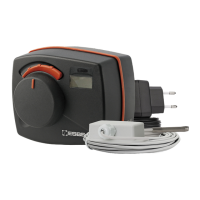
Do you have a question about the ESBE 90C Series and is the answer not in the manual?
Provides technical specifications including power supply, consumption, and dimensions.
Covers safety precautions, wiring of sensors, pump, and power supply.
Details on initial operation, troubleshooting, and fuse replacement.
Allows manual control of pump and mixing valve for testing or faults.
Enables manual adjustment of the mixing valve using a spanner.
Displays current temperatures from various sensors.
Sets daily/weekly heating periods and comfort boost options.
Configures controller functions and desired temperature levels.
Sets an upper limit on flow temperature to prevent overheating.
Controls heat output based on outside temperature using characteristic curves.
Adjusts heating characteristic parallel translation for optimal indoor temperature.
Configures comfort boost and night temperature reduction settings.
Allows switching between automatic, continuous day, and continuous night modes.
Details on switching off, manual operation, and fixed setpoint control.
Instructions for setting the current time and date on the controller.
Configuration for language, valve timing, rotation direction, and frost protection.
Options to disable menus and restore factory or personal settings.
Access to operating states and settings for remote diagnosis.
 General
| Brand | ESBE |
|---|---|
| Model | 90C Series |
| Category | Controller |
| Language | English |

 To Next Page