53
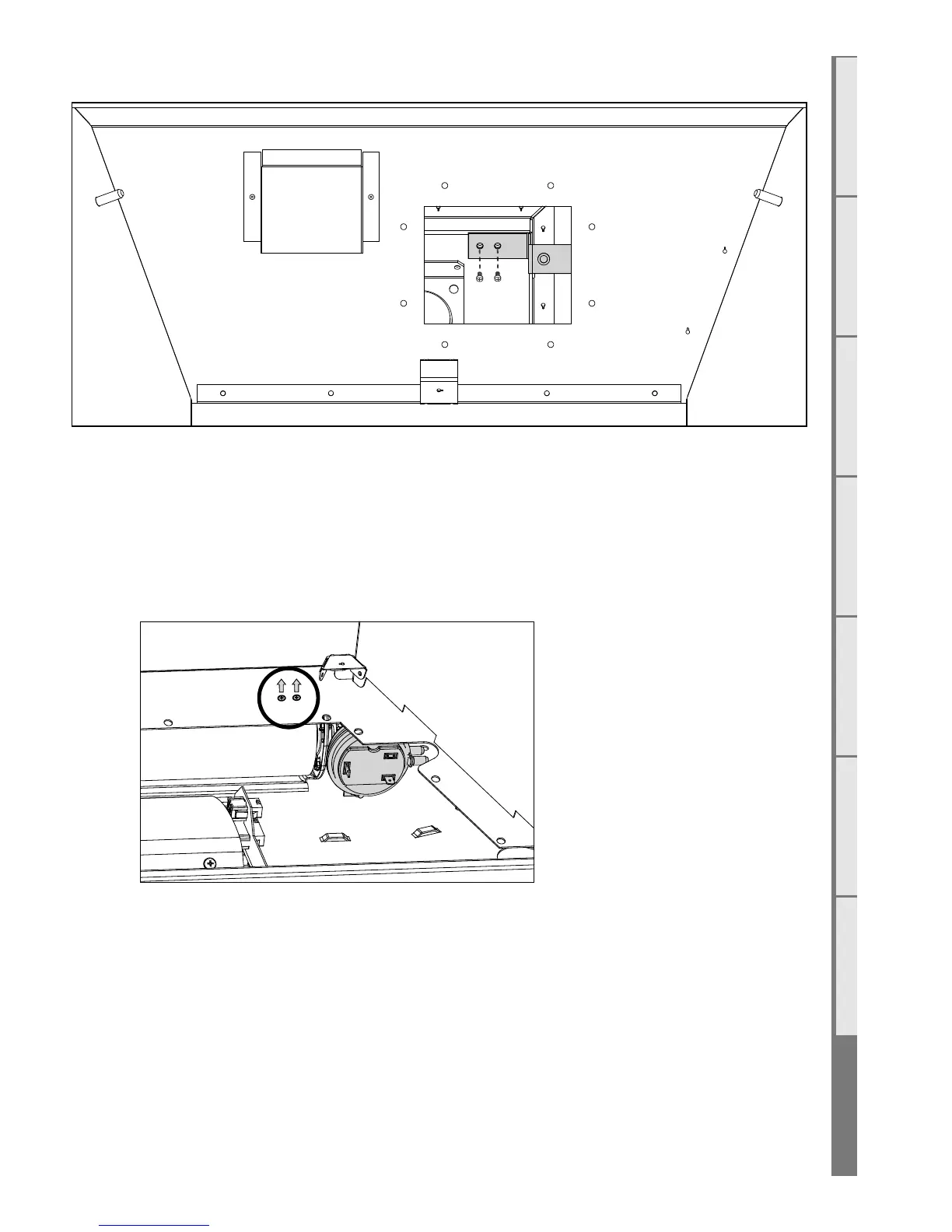
Remove the 2 machine screws from the TCO bracket (as shown in the diagram below)
Disconnect the two wires from the TCO and the bracket with the TCO may then be removed from
the fire box for replacement.
S9 Removing the pressure switch
Remove the two machine screws located in the rear RH side of the firebox to detach the pressure
switch bracket. Unplug the white and orange wires along with the two tubes to remove the bracket and
pressure switch from the appliance.
The bracket with the pressure switch may now be removed from the firebox.



 To Next Page