www.escene.cn/en/
Escene Communication
transferring a call
(consult transfer)
--3) press “#”(default) ,
-or press then transfer the call,
-or wait five seconds(default)then transfer the call
Transferred to idle
lines or other
numbers without
talking to the transfer
recipient
(Blind transfer)
--1) Press TRANSFER button or XFER;
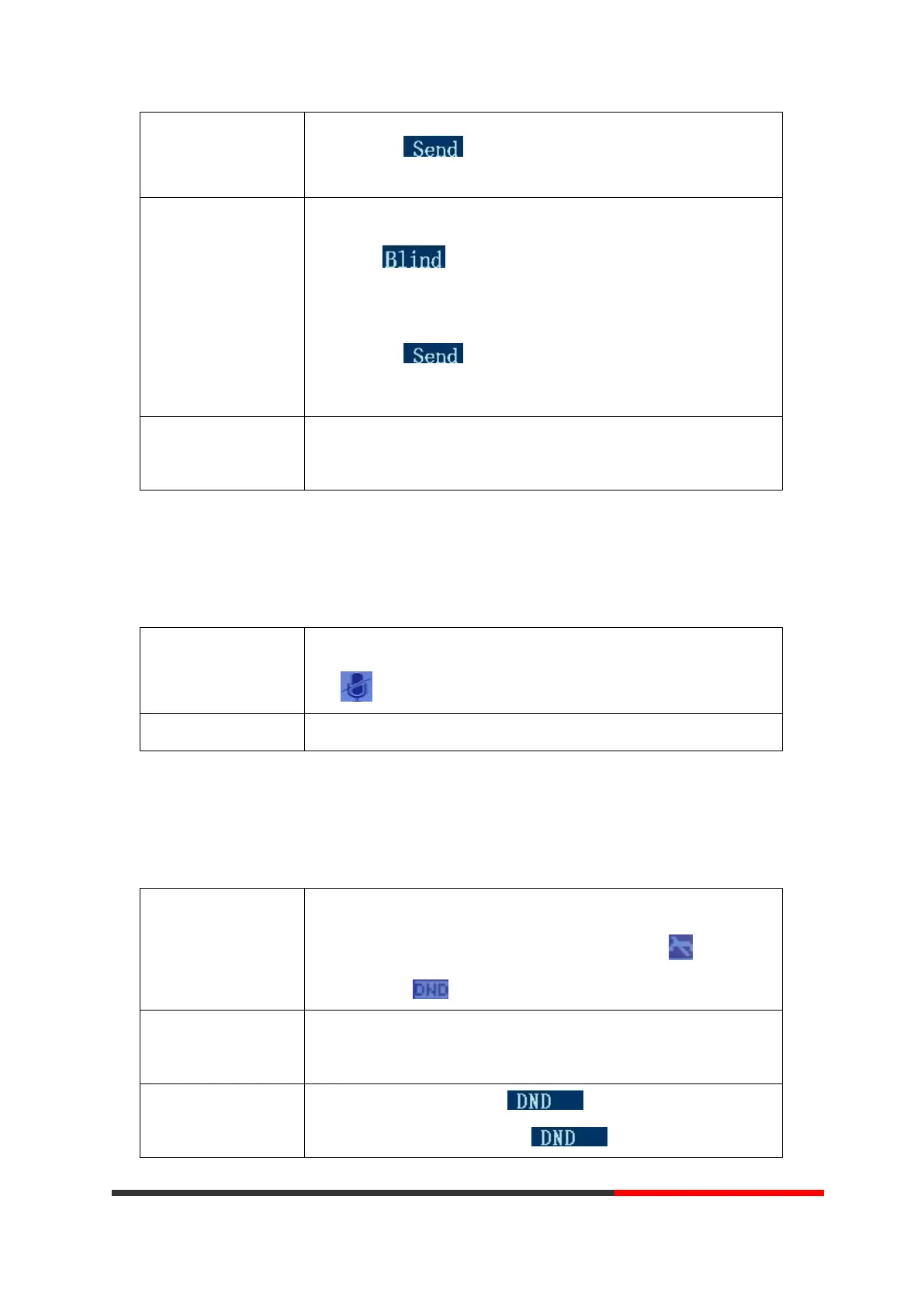
--2) Press ;
--3) Enter number;
--4) Press “#”(default)
-or press , then transfer the call;
-or wait five seconds(default)then transfer the call
Blind transfer to the
held line
--1) Press TRANSFER button or press XFER;
--2) Press the Line button of held line
3.5.11 Using Mute
With Mute enabled, you can hear other parties on a call but they cannot hear you. You can use
mute in conjunction with the handset, speakerphone, or a headset。
Press C button, then the screen top and left will have a MUTE
icon
Press C button again, then the button light off
3.5.12 Do Not Disturb
You can use the Do Not Disturb(DND) feature to block incoming calls on your phone with a busy
tone(Can also be set to their voice mail or other extension numbers, etc.).
--1) Press DND;
--2) All enabled line on the phone would changes to status. and
the icon is .
Enable DND on a
single line
Press MENU button > “Function setting” > “DND” > (select line)
“Enable”
--Global DND enabled, press to disable global DND;
--Line DND enabled, press twice ,



 To Next Page