www.escene.cn/en/
Escene Communication
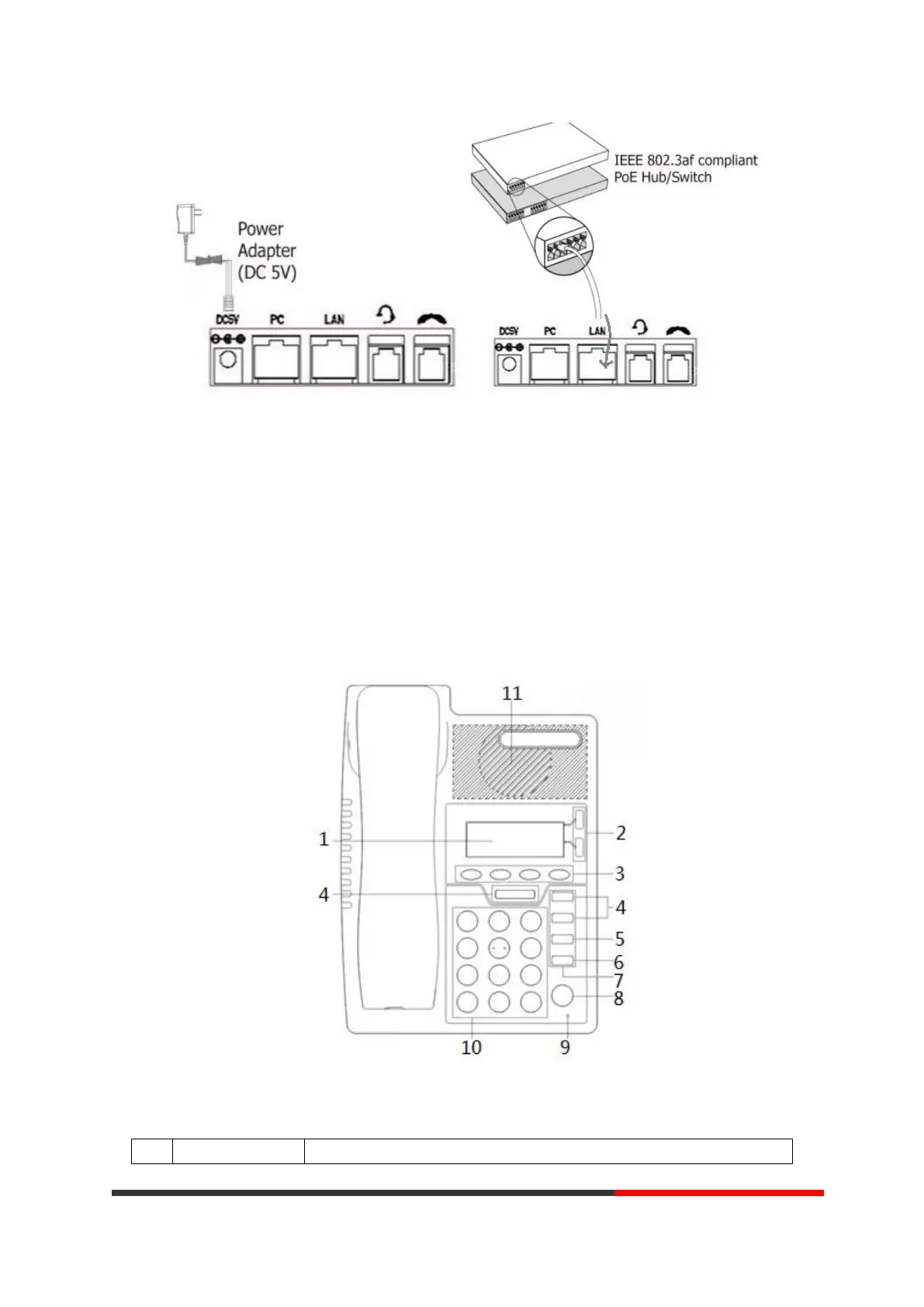
Note: If POE works, the phone doesn't need to connect to the AC power adapter. Make sure
the Ethernet cable and switch/hub is POE compliant.
3. Phone User Interface
3.1 Hardware Component Instructions
The main hardware components of the ES205 IP Phone are the LCD screen and the keypad.
Hardware component instructions of the ES205 IP Phone are:



 To Next Page