User’s Guide Introduction
A.3
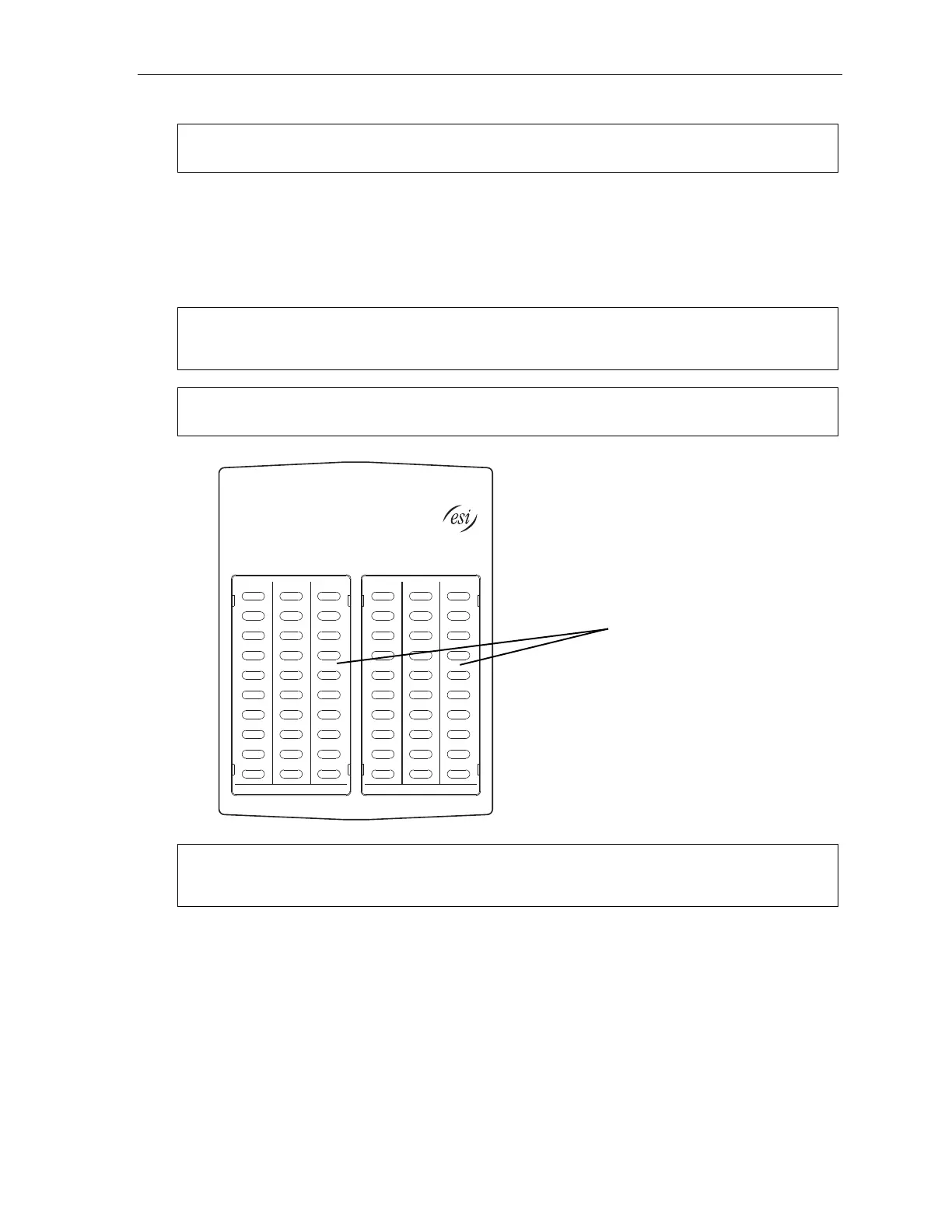
Optional 60-Key Expansion Console for use with the 48-Key Feature Phone
Note: Your Installer or System Administrator must enable Expansion Console support for your extension
before you can use one or both Expansion Consoles.
Your ESI 48-Key Feature Phone can support up to two optional Expansion Consoles, for a possible total of
120 additional programmable feature keys.
The 60-Key Expansion Console connects directly to the phone, while the Second Expansion Console
connects to the first Console.
You program each Expansion Console’s keys just as you do the programmable feature keys on your ESI
Feature Phone, using either direct or traditional programming (see page C.2).
Note: Only one key can exist per extension, feature or operation. If you program a second key for the same
extension, feature or operation, this automatically erases the first key so programmed, thus making it
available for a new extension, feature or operation.
Hint: You may find it easier to write in the names on the overlay before you program the keys and attach the
overlay to the Console.
60 programmable
feature keys
(pg. C.2)
in two banks
of 30 each
Hint: You can perform direct programming by holding down a programmable feature key for at least two
seconds (similar to how you might program a car radio button). This isn’t applicable to the fixed-feature
keys which, as their name implies, are already programmed.



 To Next Page