ESI Neva Uno
12
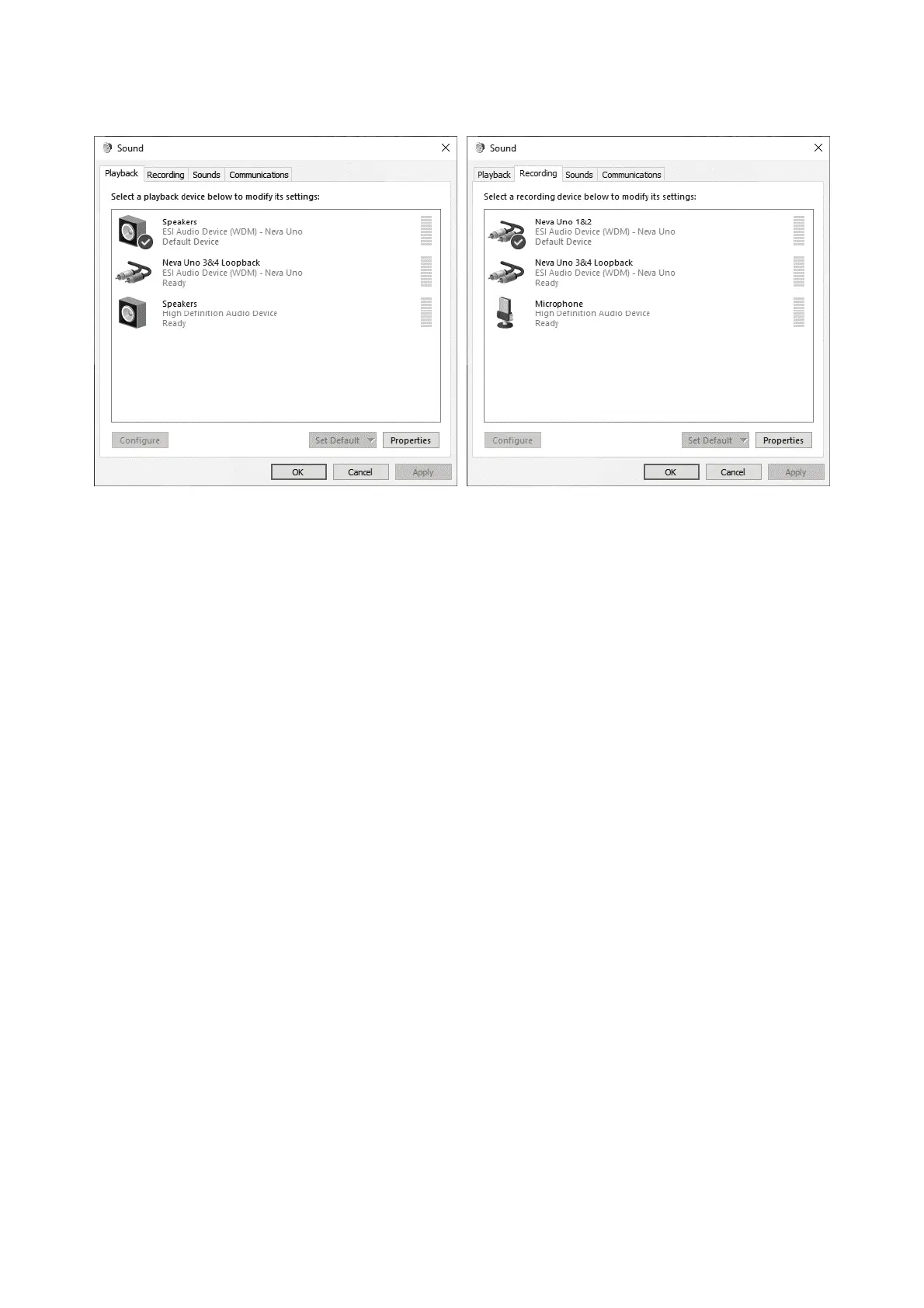
In the Playback section you can see the main MME / WDM audio device, which Windows labels
Speakers. This represents the output channels 1 and 2. In addition there is a virtual channel device,
Neva Uno 3&4 Loopback.
In order to hear the system sounds and to hear sounds from standard applications such as your web
browser or a media player via Neva Uno, you need to select it as the default device in your operating
system by clicking on it and then click Set Default.
The Recording section similarly has the main input device that represents channel 1 and 2 which are
used to record signals from the physical input channels. There is also a device with virtual channels,
Neva Uno 3&4 Loopback.
Please note that any audio hardware that is installed in your computer already will also appear on this
list and you need to choose which one you want to use by default here. Note that most audio
applications have their own settings for this.



 To Next Page