ESI Neva Uno
5
2. Installation
2.1 System Recommendation
Neva Uno is not simply a standard digital audio interface, but a high-resolution device capable of
advanced processing of audio content. Even though Neva Uno is built to have low-CPU resource
dependability, system specifications play a key part in its performance. Systems with more advanced
components are generally recommended.
Minimum System Requirements
PC
-
Windows 10 or 11 (32- and 64-bit) operating system
-
Intel CPU (or 100% compatible)
-
1 available USB 2.0 or USB 3.1 port ("type A" with the included cable or "type C" with an optional
USB-C to USB-C cable)
Mac
-
OS X / macOS 10.9 or higher
-
Intel or 'Apple Silicon' M1 / M2 CPU
-
1 available USB 2.0 or USB 3.1 port ("type A" with the included cable or "type C" with an optional
USB-C to USB-C cable)
2.2 Hardware Installation
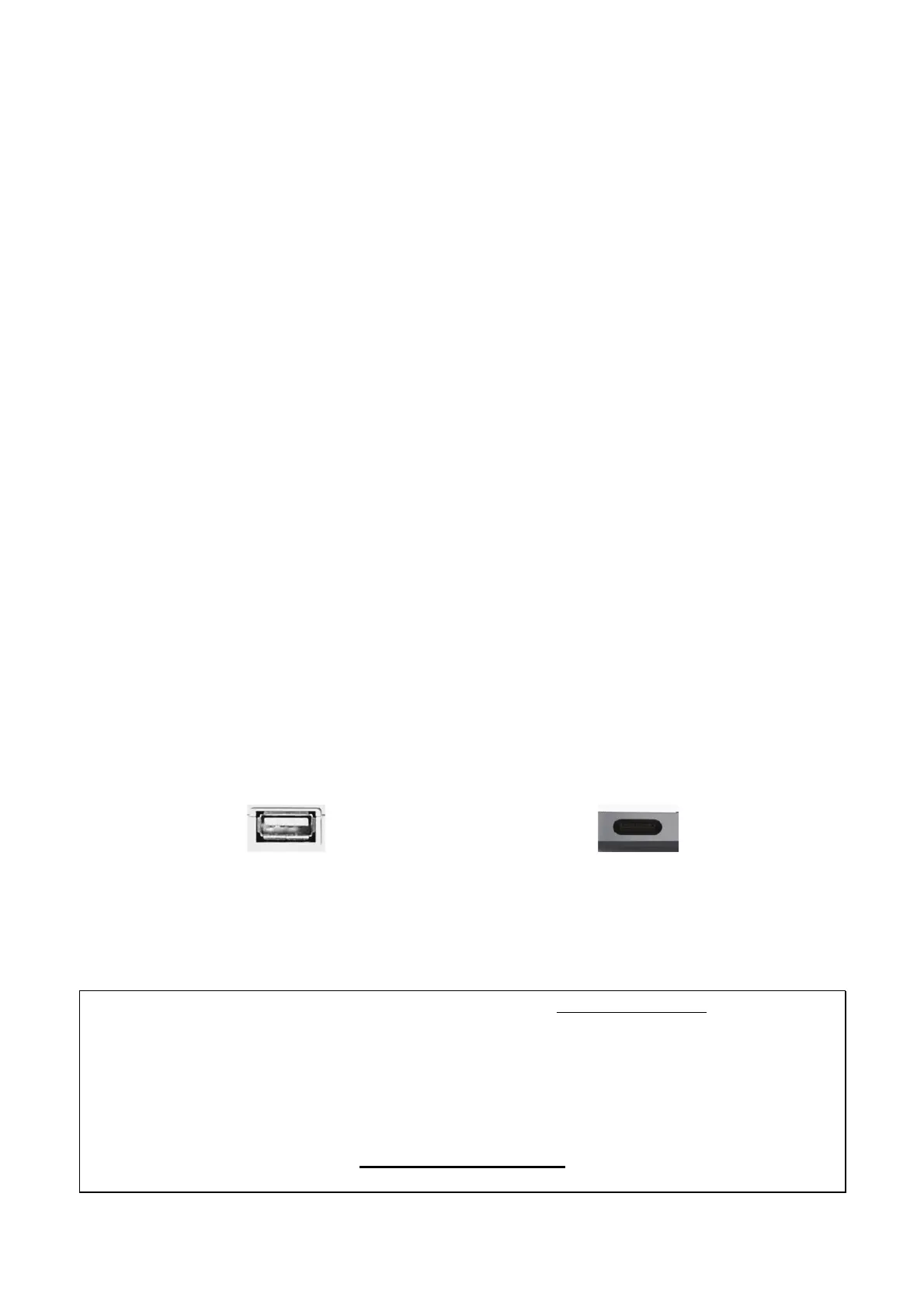
Neva Uno is directly connected to an available USB port of your computer. The connection to your
computer is done either via a so-called "type A" or a "type C" port. For the default and more common
connector ("type A"), a cable is included. For "type C" a different cable or an adapter is needed (not
included). Connect one end of the USB cable with Neva Uno and the other one to the USB port of
your computer.
USB "type A" port of a computer USB "type C" port of a computer
2.3 Driver & Software Installation
After the connection of Neva Uno, the operating system automatically detects it as a new hardware
device. However, you should install our driver and control panel to use it with full functionality.
We strongly recommend to download the latest driver from www.esi-audio.com before installing
Neva Uno on your computer. Only if our driver and control panel software is installed, all the
functionality is provided under Windows and OS X / macOS.
You can always find the latest drivers and software for both Mac and PC for your Neva Uno
by going to this page in your web browser:
>>> http://en.esi.ms/118 <<<



 To Next Page