12
Setting mode (1)
1
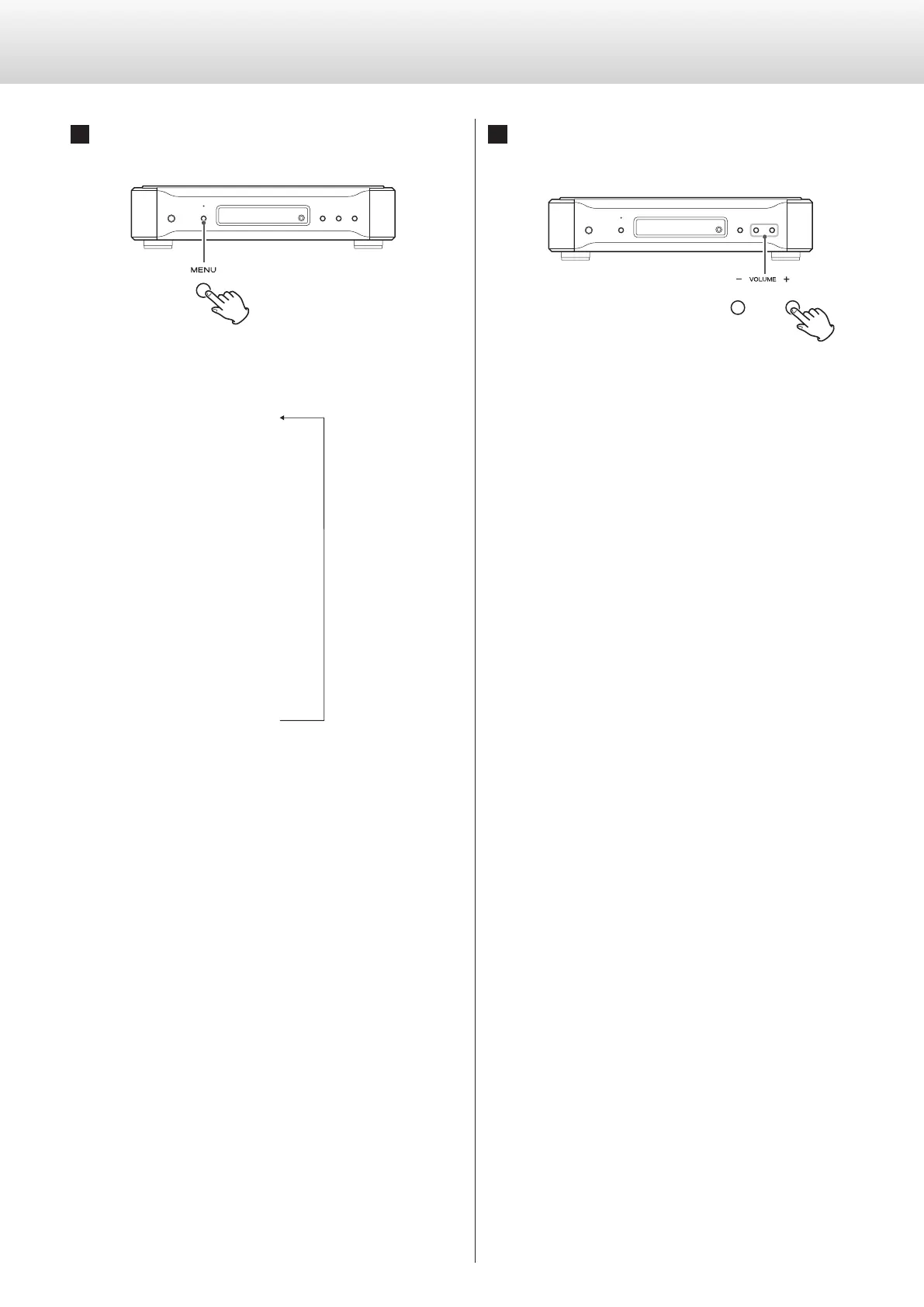
Press the MENU button repeatedly to select
the menu item to be changed.
Each press changes the display as follows:
ONV>***
z
z
z
OUT>***)
z
z
XLR>***)
z
z
z
z
z
Items shown in ( ) might not be shown depending on other settings.
If you press the INPUT button or leave the unit idle for 10 seconds,
setting mode will be cancelled.
o The SETUP button on a remote control included with another
Esoteric product can also be used with this unit (see page 7).
2
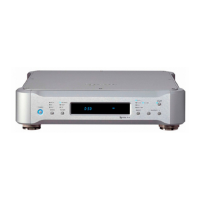
Use the VOLUME (−/+) buttons to select the
options within the menu item.
Individual menu functions are described on pages 13–18.
o The INPUT buttons on a remote control included with another
Esoteric product can also be used (see page 7).
o Settings are stored even when power is turned off and the unit is
unplugged.


 To Next Page