14
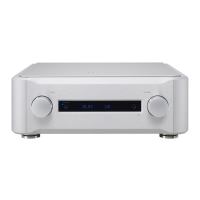
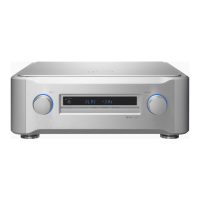
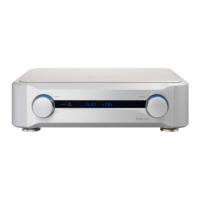
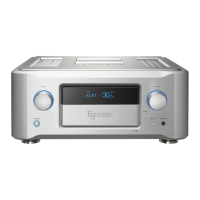
Names and functions of parts (main unit)
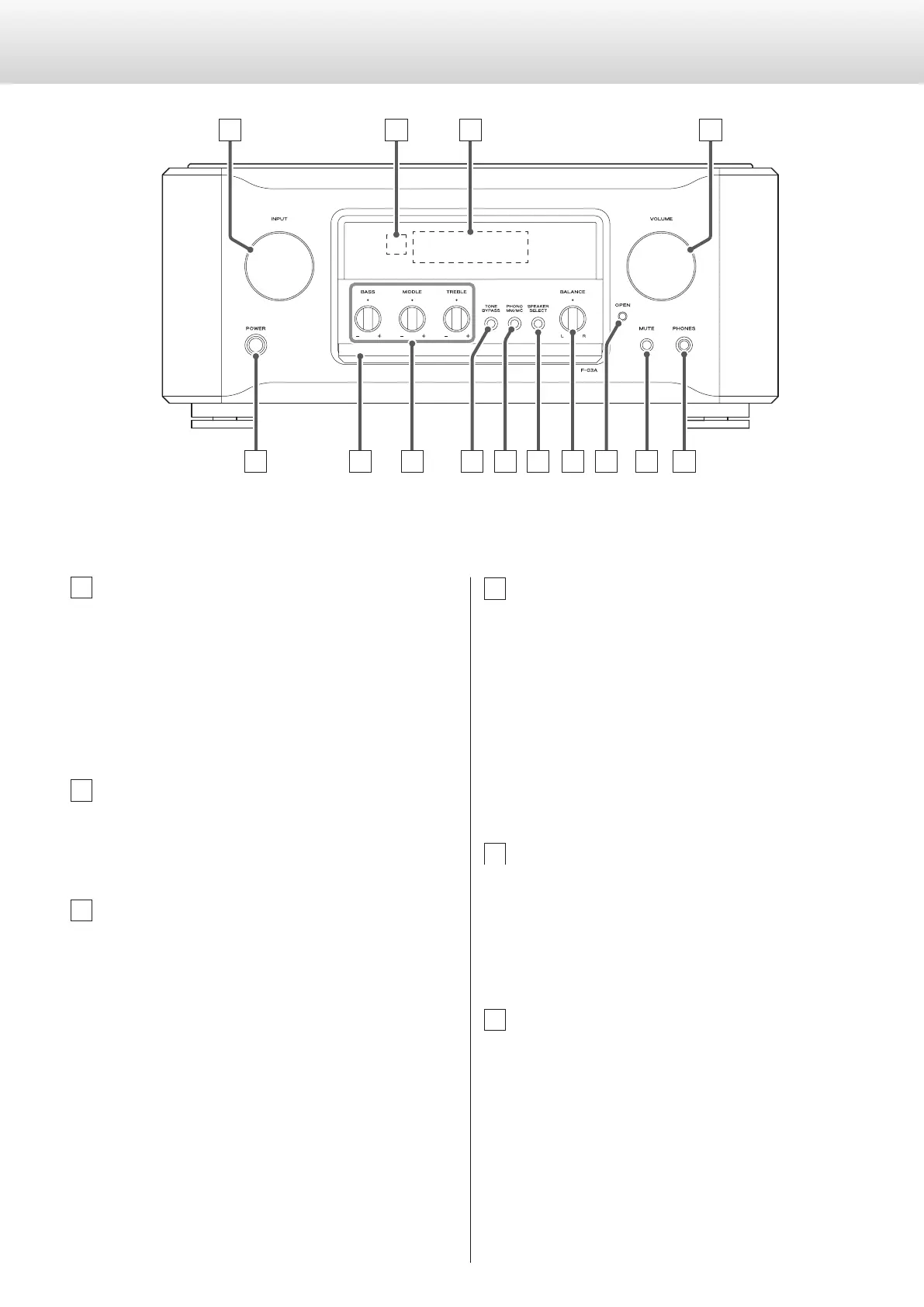
A INPUT knob
Turn this knob to select the active input. Select the input that is
connected to the device you want to use.
o You can change the names that are shown on the display for
the connectors (page 22).
When the Settings Screen is open, use this to change setting
values.
When inputting a source name, use this to move the cursor.
B Remote control signal receiver
This receives signals from the remote control. When using the
remote control, point the end of it toward this receiver panel
(page 13).
C Display
Shows the current input source name, volume, setting items, etc.
D VOLUME knob
Use to adjust the volume.
Turn this knob clockwise to increase the volume and counter-
clockwise to decrease it.
o The VOLUME knob will not affect input sources set to through
output (page 24).
V
Sudden loud noises might cause hearing damage and
other trouble. Always minimize the volume before
starting playback, and adjust it to an appropriate level
after playback begins.
E POWER button
Press to turn the unit on and off.
When the unit is on, the ring around the button lights blue.
o When not using the unit, turn it off.
o To protect your speakers, follow the proper procedures when
you turn the unit on or off (pages 17 and 18).
F Control cover
o The control cover is open in the illustration above.


 To Next Page