21
English
Basic operation
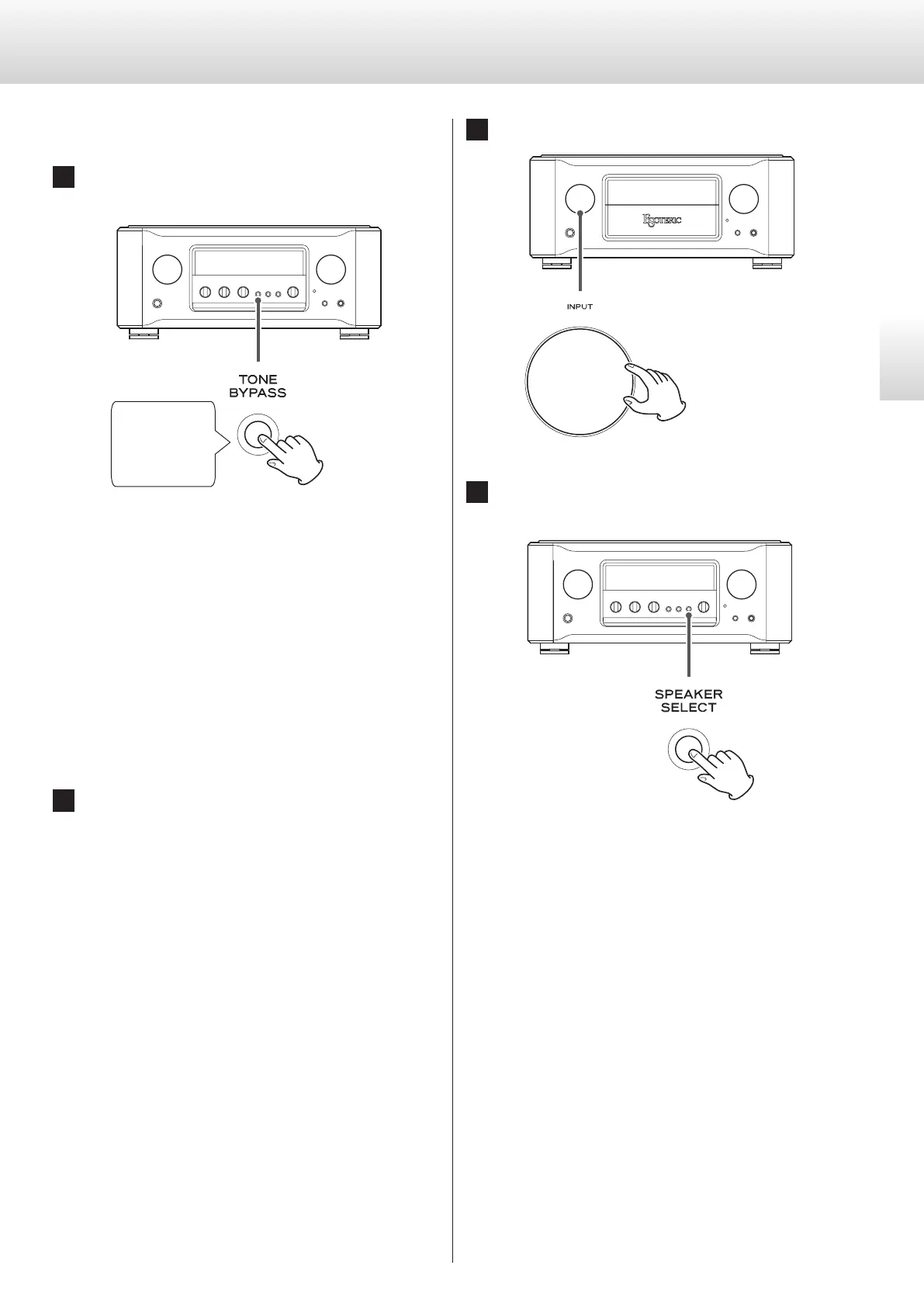
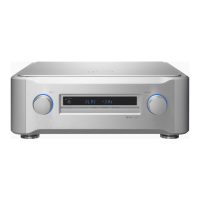
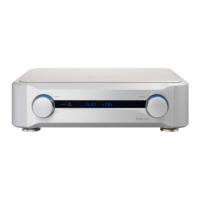
1 Press and hold the TONE BYPASS button for at least
3 seconds.
Press for at least
3 seconds.
The MENU 1 icon appears on the display.
o You can also press the SETUP button on the remote control.
Opening Settings Menu 2
When Settings Menu 1 is open, press and hold the TONE BYPASS
button for at least 3 seconds.
o You can also press and hold the SETUP button on the remote
control for at least 3 seconds.
Opening Settings Menu 3
Show “goto MENU3” on Settings Menu 2, and press the PHONO
MM/MC button.
o You can also press the setting (STANDBY/ON) button on the
remote control.
2 Press the TONE BYPASS button repeatedly to select
the item to change.
o You can also repeatedly press the SETUP button on the
remote control.
o When making settings, the MENU icon appears on the
display.
o If you do nothing for 10 or more seconds, setting mode will
end and ordinary display will resume.
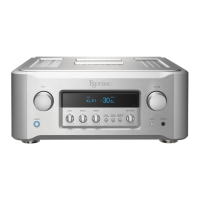
3 Turn the INPUT knob to change the setting.
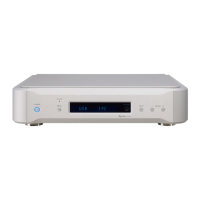
4 Press the SPEAKER SELECT button to complete making
settings.
If you do nothing for 10 or more seconds, setting mode will end
and ordinary display will resume.
o Settings are retained even if the power plug is disconnected.
Settings


 To Next Page