15
English
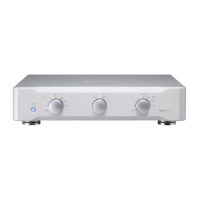
G Tone controls
Use these to adjust the levels of different frequency ranges.
Turn toward + to increase the level, and turn toward − to decrease
it.
Set to the o mark for a flat response (no adjustment).
BASS
Adjust the level of low frequencies.
MIDDLE
Adjust the level of medium frequencies.
TREBLE
Adjust the level of high frequencies.
o These adjustments only effect the output when TONE BYPASS
is off.
o When TONE BYPASS is off, “TONE” appears at the top of the
display.
H TONE BYPASS button
Use this to turn tone bypass on and off.
Press at least three seconds to open the Settings Screen.
I PHONO MM/MC button
Set for the cartridge type (MM/MC) used by the player con-
nected to the PHONO connectors (page 19).
J SPEAKER SELECT button
This selects which speaker connectors to use.
When the Settings Screen is open, press this to close it.
K BALANCE knob
Adjust the left-right volume balance.
L OPEN button
Press to open the control cover below the display.
M MUTE button
Press this button to temporarily mute the sound.
o When muted, “MUTE” blinks on the screen.
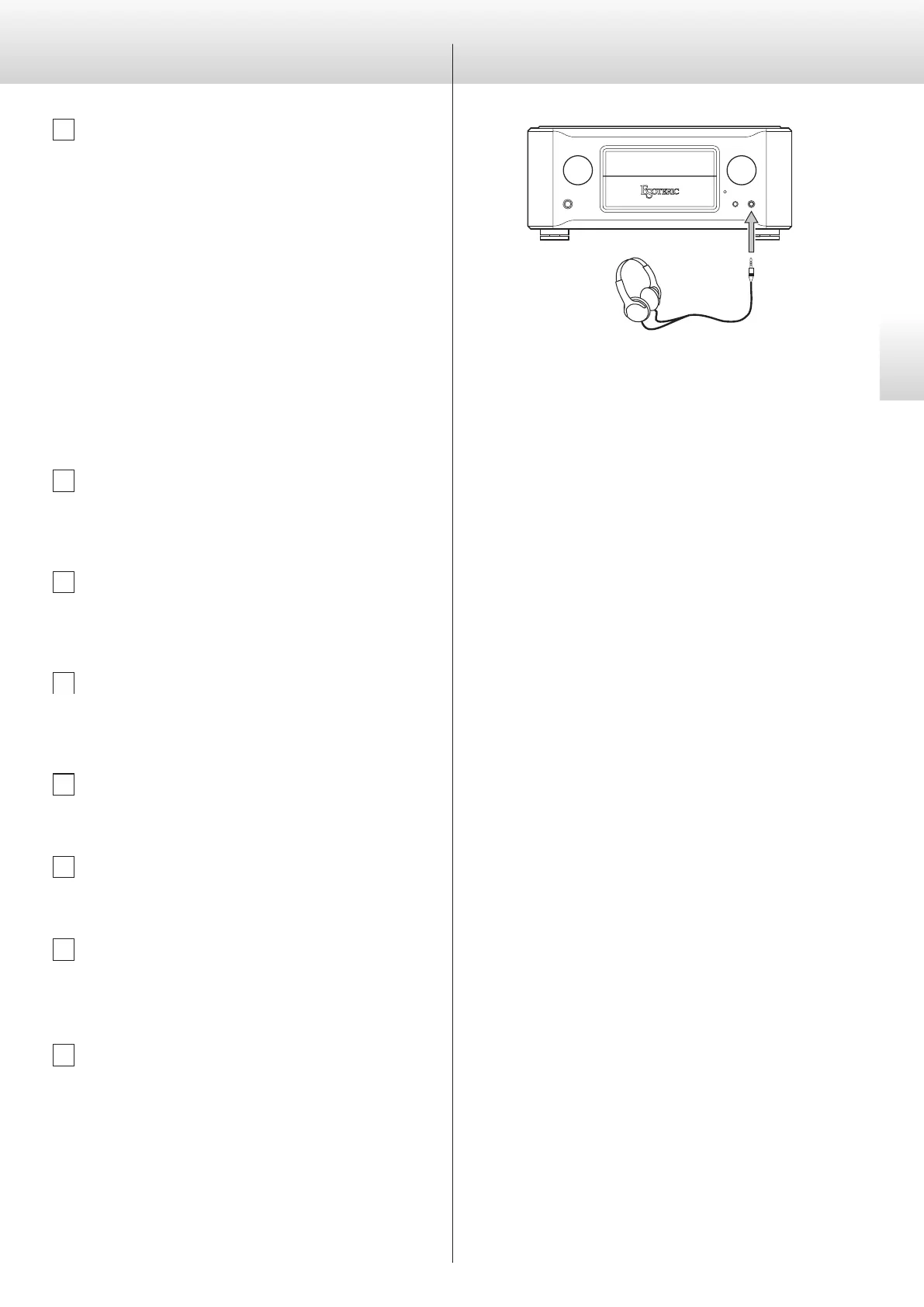
N PHONES jack
Connect standard 6.3mm stereo plugs here.
o When a headphone plug is inserted, speaker sound output
will stop.
Connect a headphone plug (standard 6.3mm stereo) to the PHONES
jack, and adjust the volume to a suitable level.
V
When using headphones, be careful not to turn the
volume up too much.
Using headphones


 To Next Page