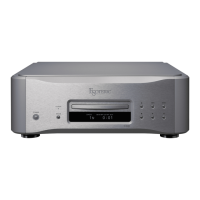
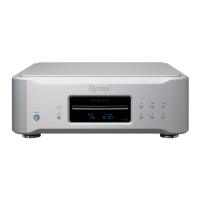
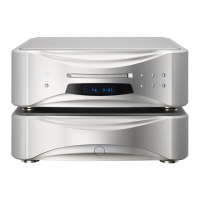
a
STANDBY/ON button
This button is not used with this unit.
b
Number buttons
Use to select tracks.
c
REPEAT button
Use for repeat playback (page 19).
Press and hold to enter program mode (page 20).
d
PLAY AREA button
When stopped, press to change the playback area of a Super
Audio CD (page 17).
e
INPUT buttons (k/j)
These buttons are not used with this unit. They can be used to
switch the inputs of Esoteric D/A converters (including the D-02)
and amplifiers.
f
SETUP button
This button is not used with this unit. It can be used with
Esoteric D/A converters (including the D-02), amplifiers and
other products.
g
DIMMER button
Use to adjust the brightness of the main unit's display
(page 21).
h
Tray OPEN/CLOSE (-) button
Press to open and close the disc tray (page 16).
i
DISPLAY button
During playback, press this button to change what is shown on
the display (page 18).
j
Skip (.//) buttons
Press to skip to the previous or next track.
Press and hold for at least one second during playback to search
forward/backward. Repeatedly press and hold for more than one
second to change the forward/backward search speed to one of
three levels (page 18).
Use to change parameters when in setting mode (page 24).
k
Stop (8) button
Press to stop playback (page 17).
l
Play/pause (y/9) button
Press when stopped or paused to start playback (page 17).
Press during playback to pause (page 17).
m
VOLUME buttons (+/−)
This button is not used with this unit. They can be used with
Esoteric D/A converters (including the D-02), amplifiers and
other products.
n
MUTE button
This button is not used with this unit. It can be used to mute
Esoteric D/A converters (including the D-02) and amplifiers.


 To Next Page