19
Pausing playback
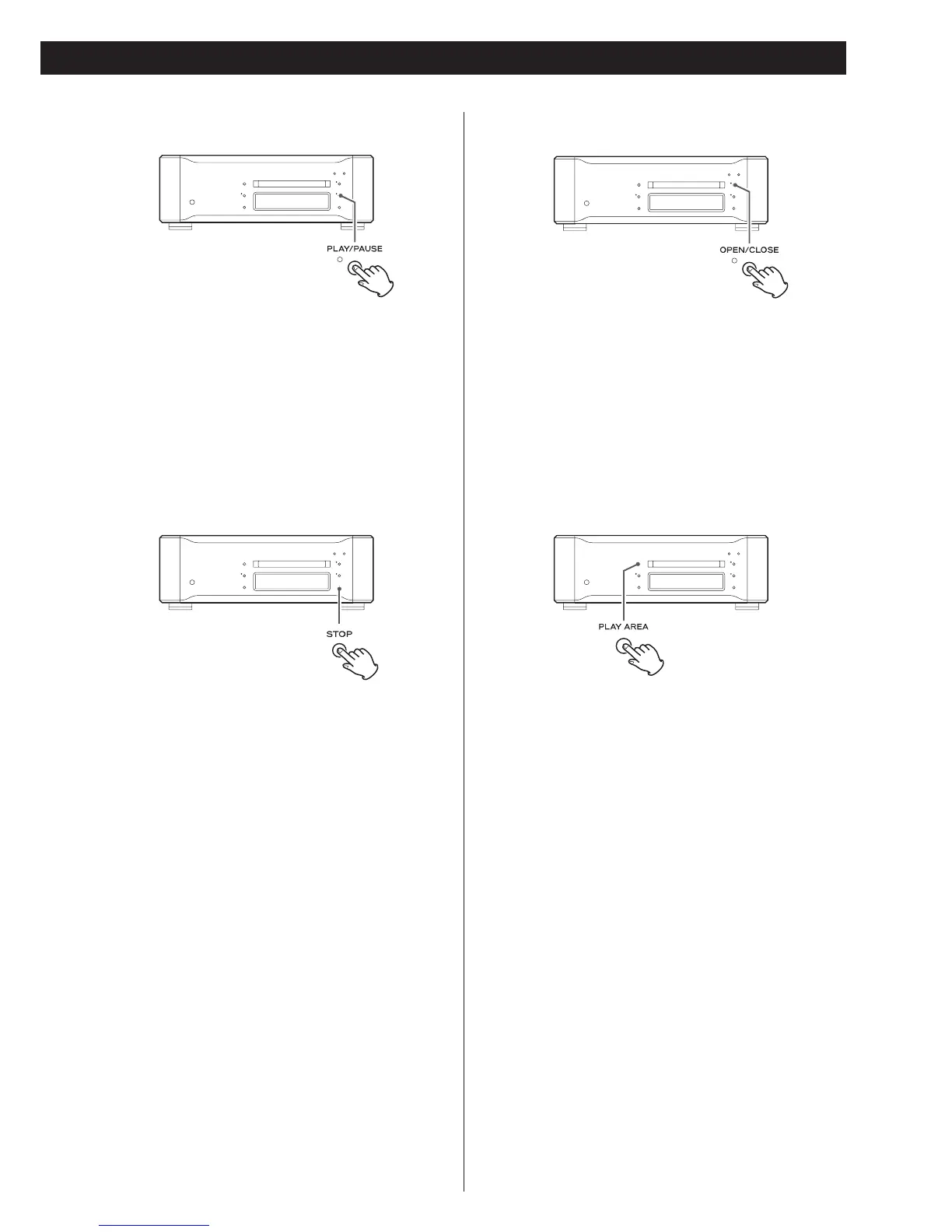
Press the PLAY/PAUSE button to momentarily pause playback.
The indicator lights when playback is paused.
Press the PLAY/PAUSE button again to resume playback.
Stopping playback
Press the STOP button.
Opening and closing the disc tray
Press the OPEN/CLOSE button once to open (or close) the tray
and press it a second time to close (or open) the tray.
< It takes longer time for the tray to open when the
OPEN/CLOSE button is pressed during playback.
Selecting playback area
There are two types of Super Audio CDs, regular ones that
contain 2-channel stereo and multi-channel stereo and hybrid
discs (two-layer discs) that contain Super Audio CD and
regular CD data.
Use the PLAY AREA button to select a playback area on a
hybrid Super Audio CD when such a disc is loaded but not in
playback mode.
<
The setting described on page 17 allows you to determine
which layer will be first selected for playback (the priority
playback layer).



 To Next Page