24
Display dimming
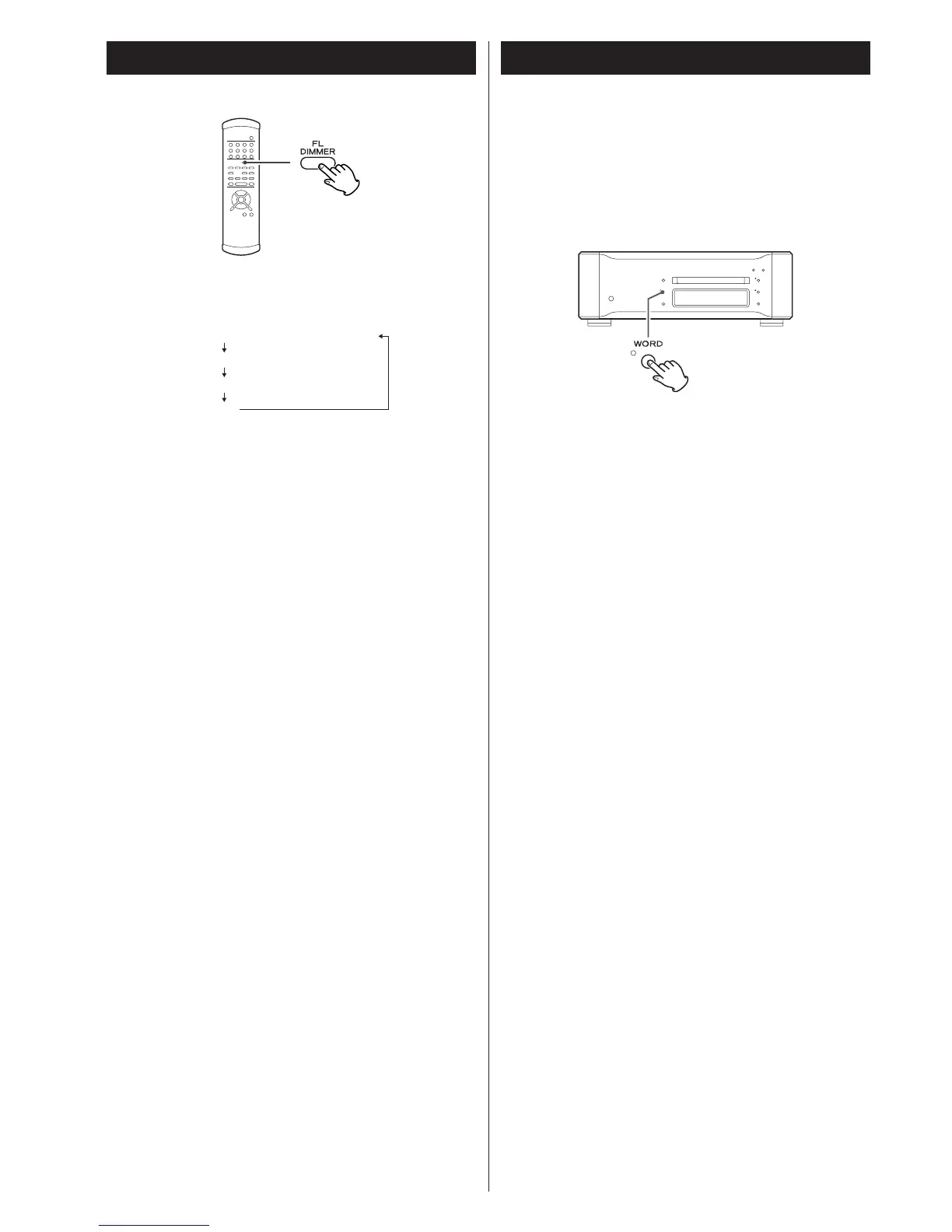
Use the FL DIMMER button to select any of the following
brightness levels for the display and button indicators.
<
Pressing a button when the display mode is set to OFF lights
the display for about 3 seconds.
< Note that turning off the unit cancels the OFF setting. The
display uses the Dimmer 1 setting when the unit is turned on
next time.
Word sync
Use this feature to lock your entire system to a single sync
signal (clock) by connecting this unit to the Esoteric D-03, G-
0, G-0s or similar device that outputs a sync signal or when
you want to use a precision external clock rather than the one
inside the P-03.
Each press of the WORD button turns the function on or off.
Word ON aq
Word OFF (normal playback)
< This unit is ready for the following clocks and switches itself
depending on an incoming signal:
44.1 kHz, 88.2 kHz, 176.4 kHz, 192 kHz
It also accepts a Universal Clock frequency of 100 kHz.
<
The indicator flashes and the unit starts searching for an
external sync signal when “Word ON” is selected. The
indicator changes to a steady blue light when the unit detects
and locks to an external clock to indicate it is ready for
playback.
<
Make a connection to the WORD SYNC terminal before
power up the unit.
< Switching word sync on and off may occasionally result in
noise from the D/A converter. If this is the case, turn off the
unit and lower the amplifier sound volume before switching
the function on or off.



 To Next Page