21
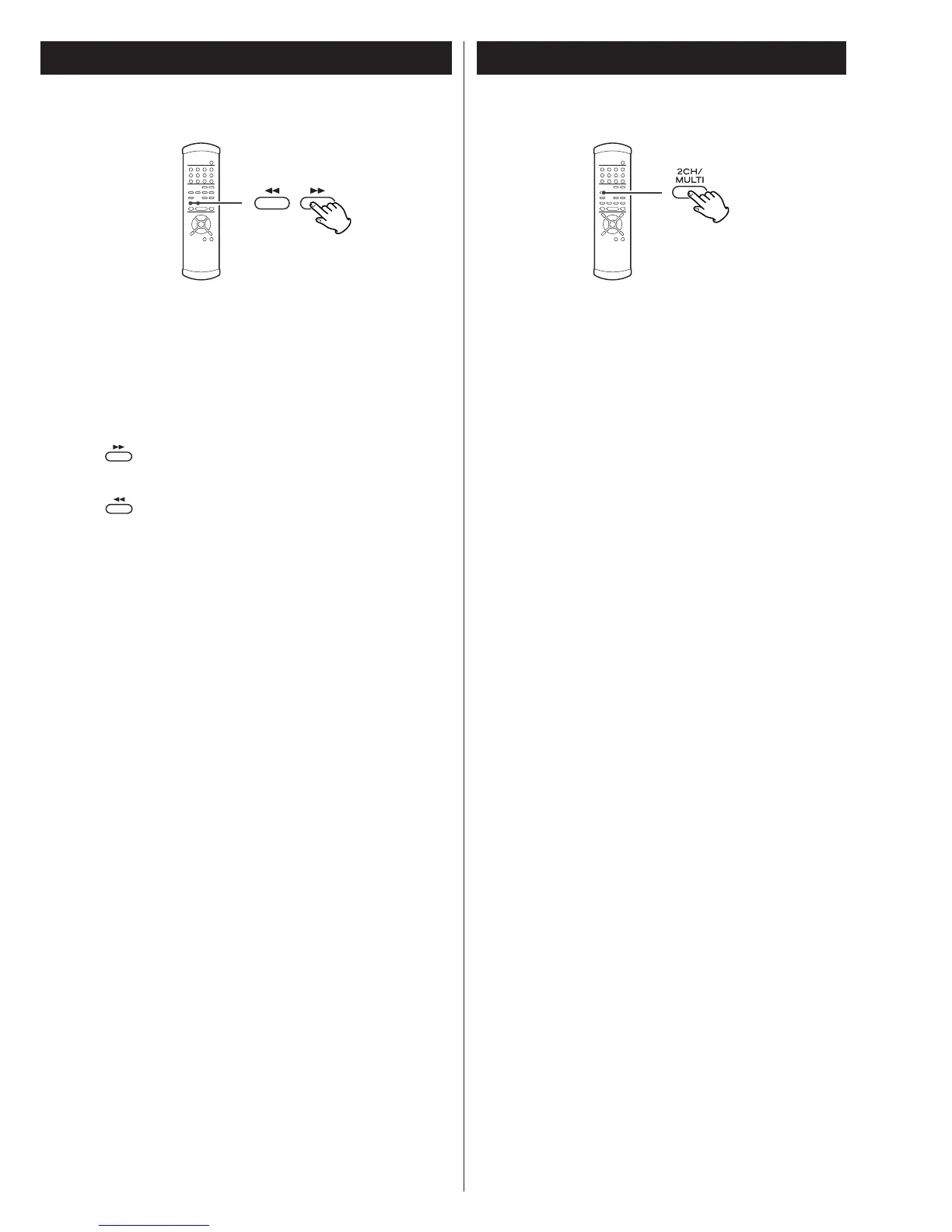
Forward and backward scanning
Press the SCAN button (m/,) during playback to scan
forward and backward. Press the PLAY button (y
) to play a
track you wish to listen to.
Repeated presses of the SCAN buttons (m /,)
sequentially changes the scanning speed. There are three
speeds:
: Fast forward (1) q
Fast forward (2)
q
Fast forward (3) q normal playback speed
: Fast backward (1) q
Fast backward (2)
q
Fast backward (3) q normal playback speed
<
Holding down the SKIP button (.//) of the main unit 1
second or longer during playback changes the fast
forward/backward speed.
2ch/Multi ch
Press to select 2ch (2-channel stereo) or MULTI (multi-channel
surround) audio output.
2ch
This mode outputs 2-channel stereo sound. During playback
of multi-channel data on a Super Audio CD, the multi-
channel data is downmixed to stereo (front left and right
channels). (The DOWN MIX indicator on the display lights.)
Select this mode to listen to 2-channel stereo.
Multi ch
This mode outputs discrete 5.1-channel audio. Select this
mode when the P-03 is used with three D-03 units or with a
multi-channel D/A converter and an i.LINK connection.
<
The 5.1-channel indicator lights when “Multi ch” is selected.



 To Next Page