EasyManua.ls Logo

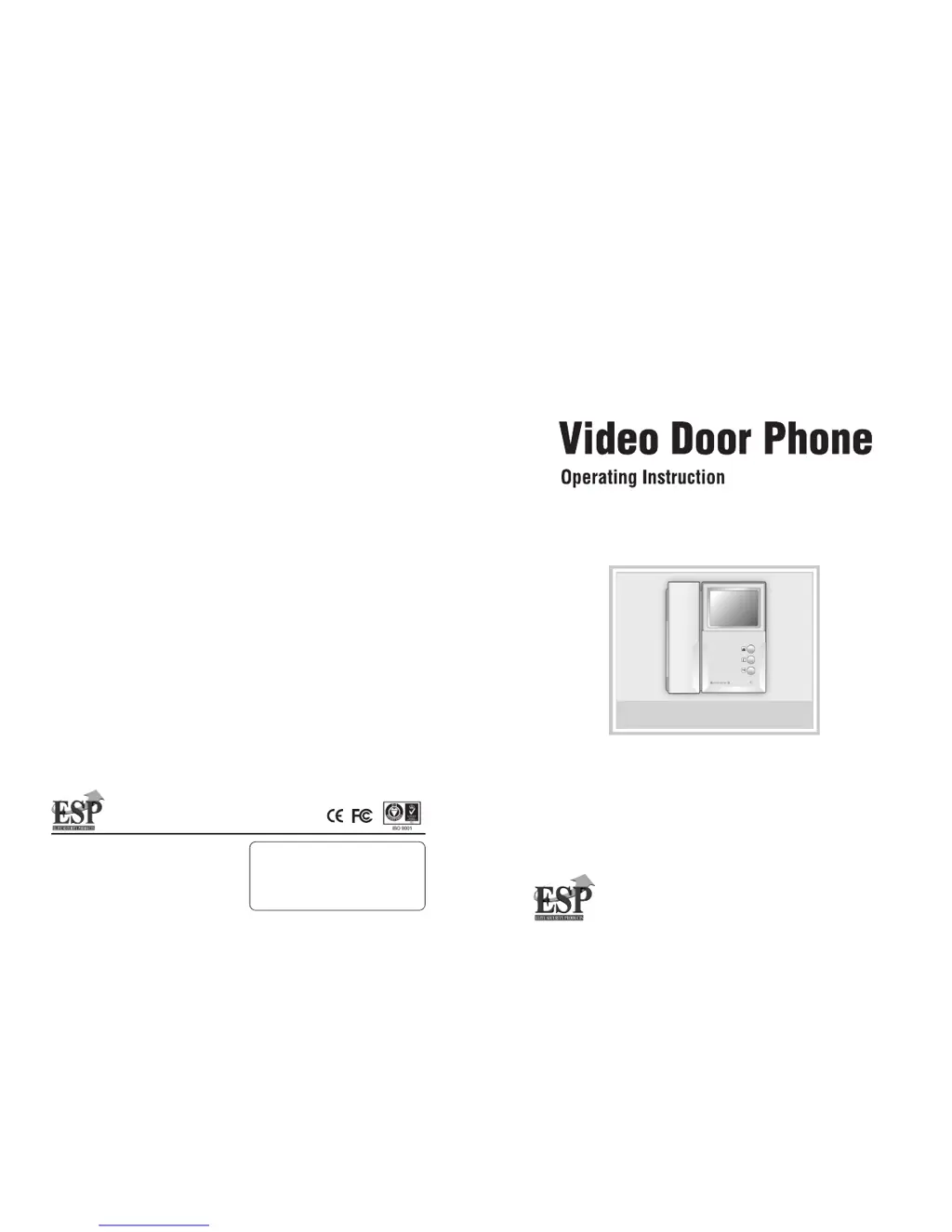
ESP Enterview 3 - User Manual

ESP Enterview 3
12 pages
Print Icon
To Next Page IconTo Next Page
Loading...
For your protection, Please read these instructions completely and keep it for future reference
Enterview 3/ 3V/ 3C/ 3VC
Hanmi Building 45, Pang-E Dong, Songpa-Ku
Seoul 138-724, Korea
Tel 82.2.2240.9234/9271/9273
Web site : www.hyundaitel.com
6320000026H
Hyundai Telecom Printed in Korea

Questions and Answers

Summary

Warning and Safety Precautions

General Safety Warnings

Covers essential safety precautions and explanations of warning symbols for safe operation.

FCC Compliance Information

Details on FCC rules, compliance limits, and user advice to prevent radio interference.

Important Safeguards

General Operating Instructions

Covers reading instructions, retention, cleaning, attachments, heat, and moisture precautions.

Installation and Environment Precautions

Guidelines for installation location, ventilation, power sources, and grounding.

Usage and Maintenance Warnings

Covers overloading, object insertion, servicing, power lines, damage, and replacement parts.

Unit and Components Overview

Main Unit Panels

Details of the front, side, and bottom panels of the main indoor unit.

Optional Camera Panels

Details of the front, side, and bottom panels for optional outdoor camera units.

Parts Enclosed

Illustrations of all parts included in the product packaging.

Installation and Wiring Guide

Installation Procedure

Step-by-step instructions for mounting the main unit and camera.

Wiring Diagrams

Illustrates connection methods for basic, multi-main, and specific Enterview models.

Operations and Functions

Button Functions and Adjustments

Explains the purpose of buttons and how to adjust brightness and volume.

Communicating with Visitors

Describes how to respond to visitors, use the door release, and intercom functions.

Additional Information

Troubleshooting Guide

Provides solutions for common problems like no power, audio issues, or poor picture quality.

Specifications

Details technical specifications for main units and various camera models.

ESP Enterview 3 Specifications

General IconGeneral
Surface MountYes
DisplayTFT LCD
CameraYes
Night VisionYes
Operating Temperature-10°C to +50°C

Related product manuals