MINIMUM OPERATIONS TO VERIFY PROPER INSTALLATION Page 17
USING THE RESET BUTTON
Note: the reset operation does not alter the previously set
parameters.
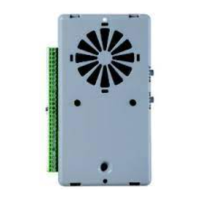
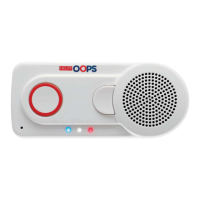
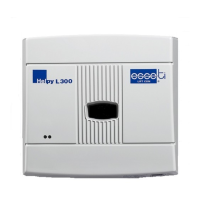
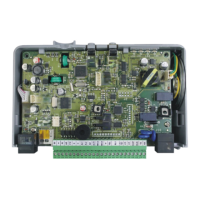
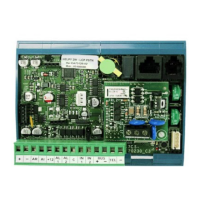
Use of the reset pushbutton (G in the picture at page 2):
- Pressing shortly
Allows to interrupt an alarm call.
By pressing shortly you get the same result as lifting the handset of the
local telephone and entering * <Password> #.
- Pressing longer (10 seconds)
Allows to reset the device.
By pressing longer, the Helpy Compact will be re-started with no need to
disconnect the power supply.
Note: it is also possible to reset the device through the code
995*0#.


 To Next Page
 Loading...