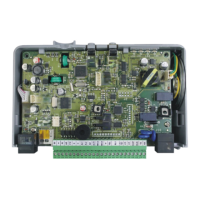
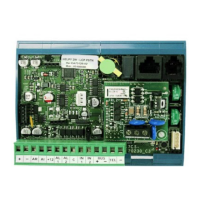
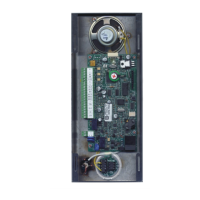
Page 14 TURNING ON / TURNING OFF
TURNING ON / TURNING OFF
TURNING ON
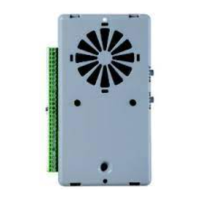
Connect the external (12 Vdc - 30 Vdc) power supply to + and —
terminals.
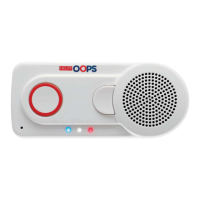
Helpy Compact lights up and the device status LED starts flashing.
TURNING OFF
5HL-601
Disconnect the external (12 Vdc - 30 Vdc) power supply from + and —
terminals.
The device status LED turns off.
5HL-600
Disconnect the external (12 Vdc - 30 Vdc) power supply from + and —
terminals.
Keep the reset pushbutton pressed.
When all the LEDs light up, also keep the built-in alarm pushbutton
pressed.
All LEDs turn off.


 To Next Page
 Loading...