Overview
This guide explains how to install a KLEVV Solid-State Drive (KLEVV SSD)
in a SATA-based desktop or notebook computer.
Observe the following before beginning the installation:
Handle the SSD with care. Do not touch the gold connectors.
To minimize static electricity, touch the computer case before handling the SSD.
Do not remove the encasement or disassemble the SSD
; these actions void the SSD warranty.
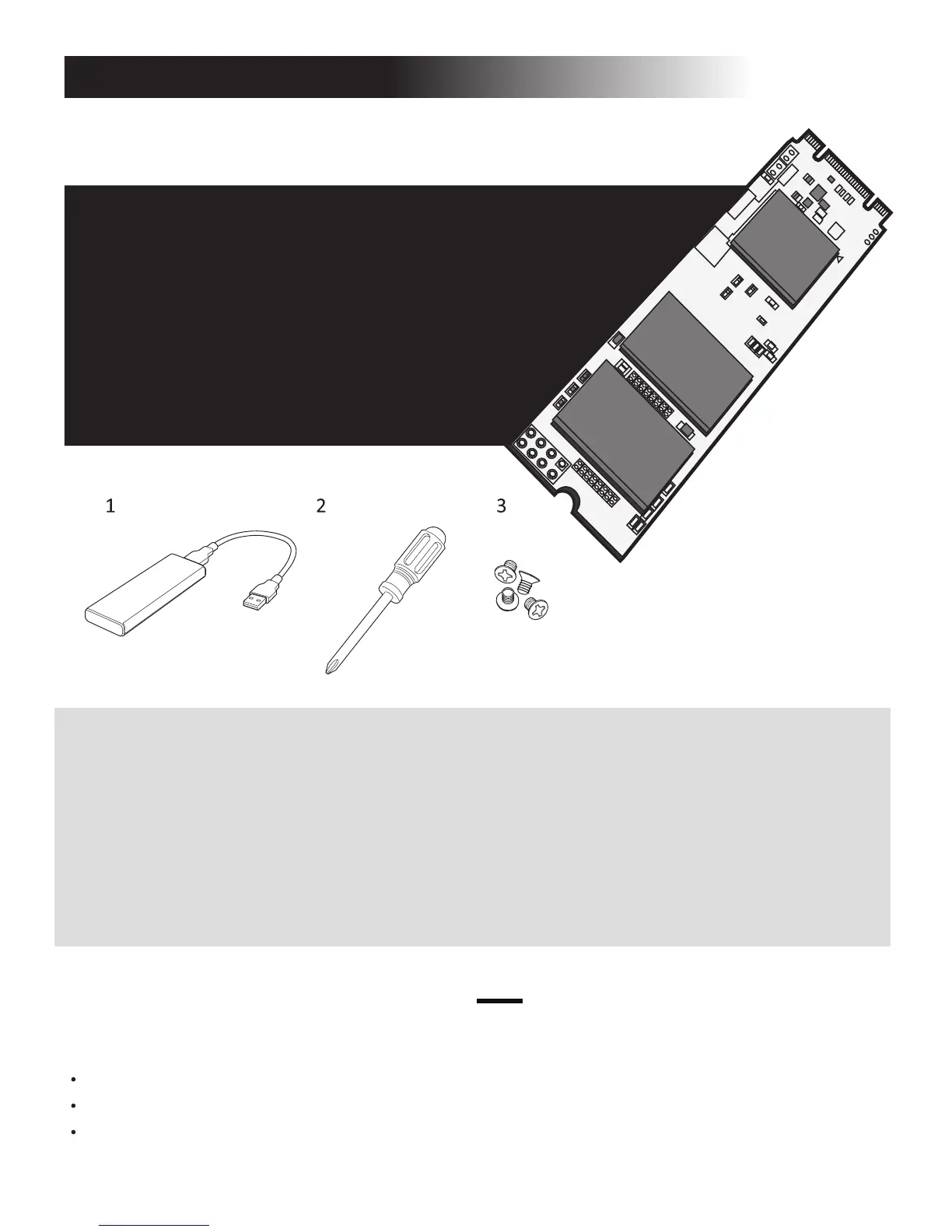
Hardware Item
1 USB to M.2 2280 SATA adaptor
and USB cable
2 Screwdriver
3 Screws
Laptop/desktop computers
to migrate your data
Laptop/desktop computers
Laptop/desktop computers
Required For
SSD Handling Precautions
Before You Begin
Conrm you have the following
hardware for installation
* These tools are not included in the package.
You may need to prepare by yourself.


 To Next Page