Desktop Installation
Please make sure that you have installed the Migration Tool1.
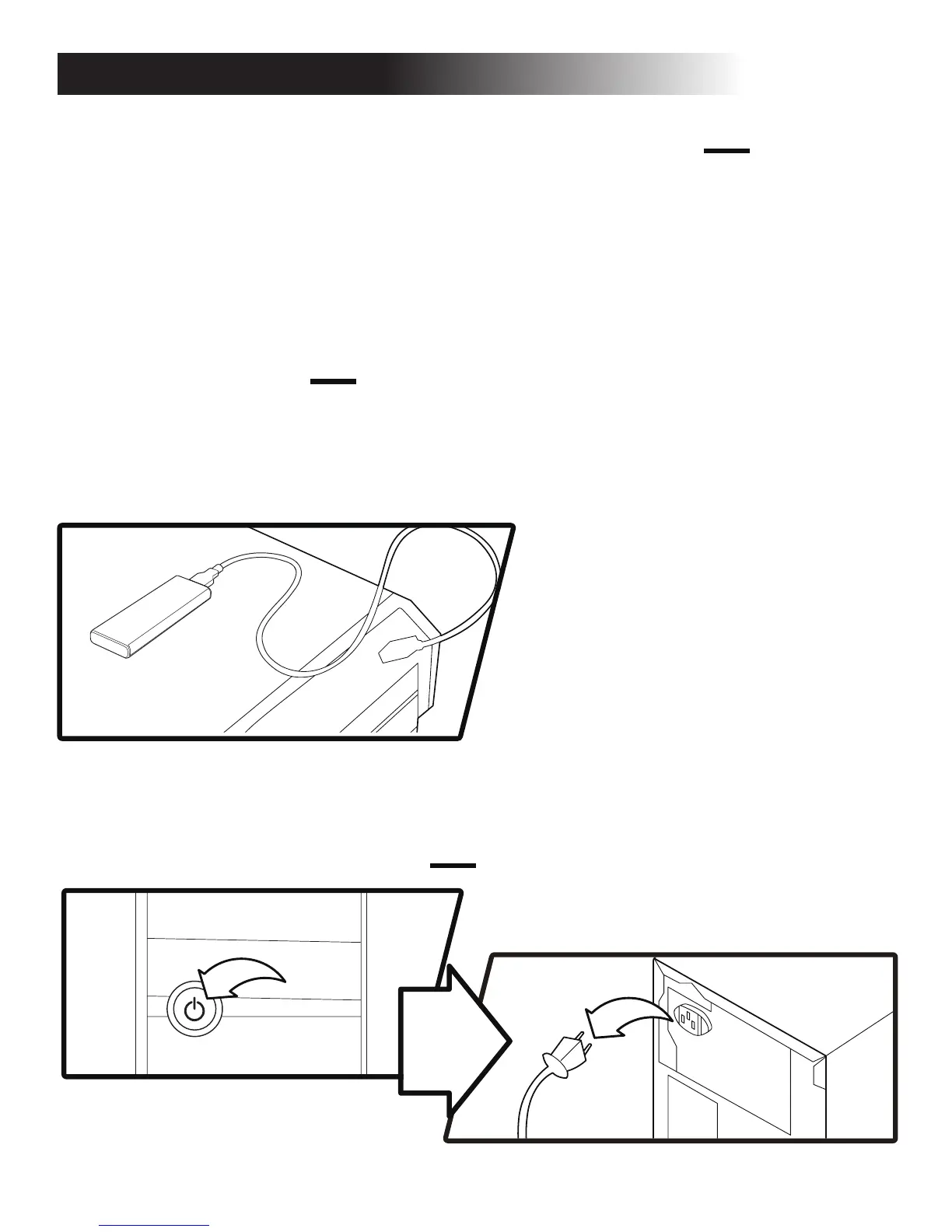
2. Install the KLEVV M.2 SSD to the USB to M.2 2280 adaptor.
(You may need to consult the user manual of your USB to M.2 2280
adaptor)
Migrate Your Data
Swap or Install Your Drives
3.
Connect the KLEVV M.2 SSD to
your desktop using the USB to
M.2 2280 adaptor
* Please skip this step if you don’t need to migrate your data.
* You may also use your own software for the data migration.
Install Migraon Tool - Acronis True Image 2015
If your KLEVV SSD provides Migration Tool (Acronis True Image 2015),
please download the software and its user’s manual from the following
KLEVV website. (www.essencore.com or www.klevv.com)
1.
Follow the instructions to install the Migration Tool to your desktop.2.
Run the Migration Tool,
and follow the instructions
to migrate your operating .
4.
5.
6.
Safely remove your KLEVV M.2 SSD from USB when done.
Disconnect your KLEVV M.2 SSD from the USB to M.2 2280 adaptor.
Power off your desktop and disconnect the power cord.1.


 To Next Page