TECHNICAL INFORMATION
INSTRUMENTS
CONNECTION PROCEDURES
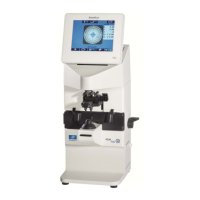
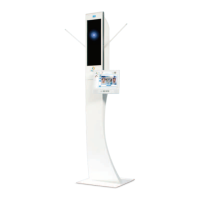
Product(s) : ALM500, ALM700, AKR550, AKR750, APH550, CS550, CSPOLA600
Implementation date : 2016.02.16
Criticality : normal
I. Hardware 2
1. Hardware provided 2
2. Hardware to be ordered 2
II. Connection procedures 3
1. Connect the APH550 system 3
2. Connect the APH550 system with a CSPOLA600 or a CS550 or a CP550 4
3. Connect the APH550 system with a AKR550 or a AKR750 5
4. Connect the APH550 system with a ALM500 or a ALM700 6
III. Settings 7
1. Configure the KB550 keyboard 7
2. Configure the monitors and the test projector 10
a. CSPOLA600 and CS550 10
b. CP550 12
3. Configuring an AKR750 or an AKR550 12
4. Configuring an ALM500 or an ALM700 13
IV. Exporting data from an ALM or an AKR 14
1. Exporting data from an ALM500 or an ALM700 14
2. Exporting data from an AKR750 or an AKR550 15
V. Importing data on the APH550 16
Please find below the connection procedures between ALM500/ALM700 (Focimeter) and AKR550/AKR750
(autokerato refractometer) with APH550 to import fitting data from the ALM and/or the AKR.
International Customer Service
Essilor Instruments
64bis, avenue Aubert – 94306 Vincennes Cedex – France
Tél. : +33(0)1 72 94 71 00 – Fax : +33(0)1 72 94 70 27
1/17

 Need help?
 General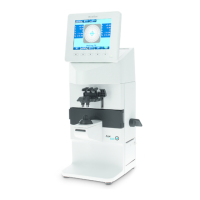

 To Next Page