V. IMPORTING DATA ON THE APH550
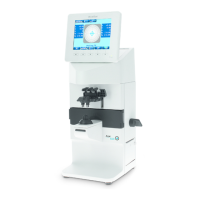
To import data on the APH550:
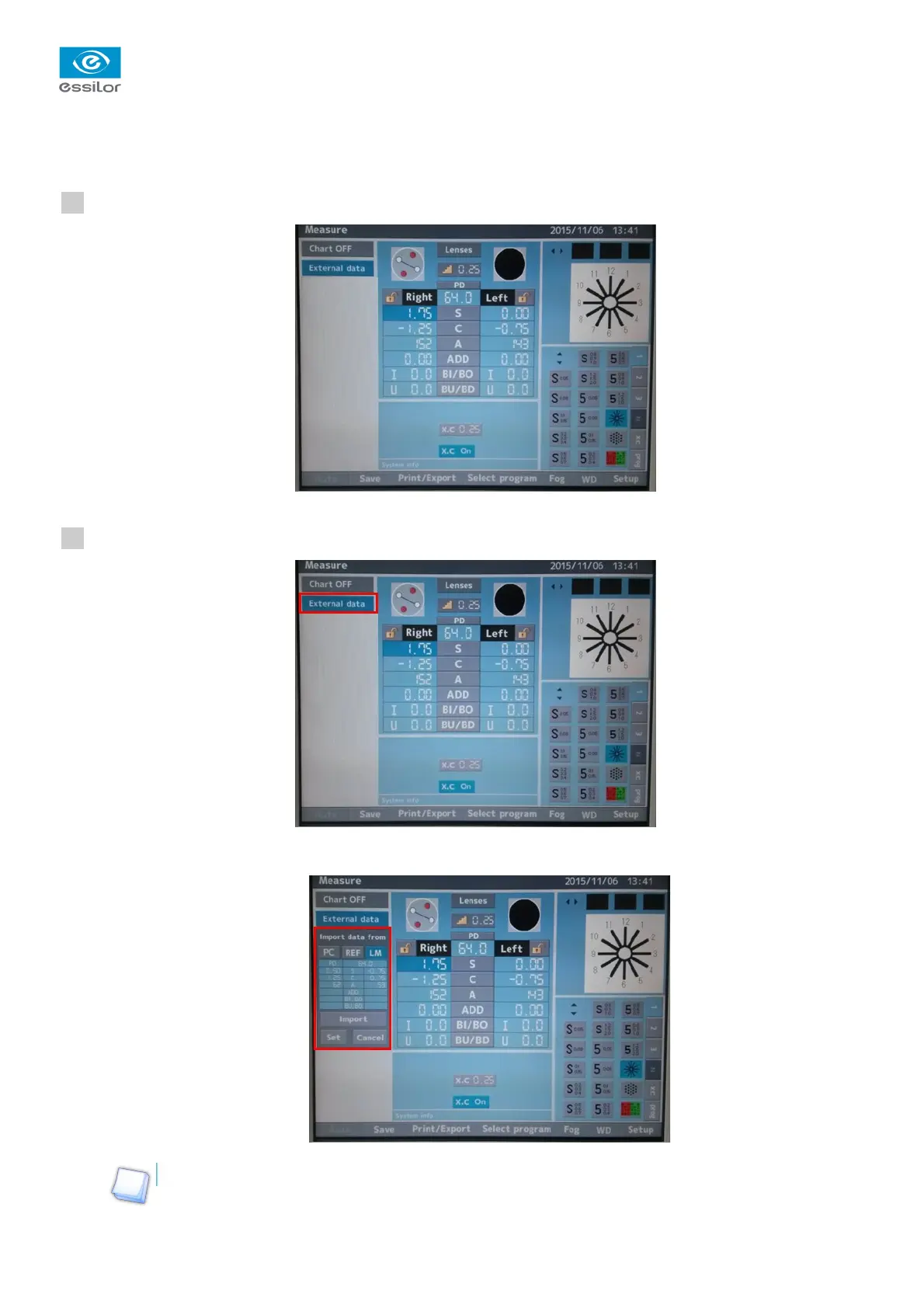
Go to the measurements screen.
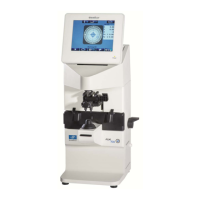
Click on “External Data”.
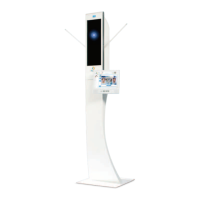
The menu “Import data from” is displayed:
This menu allows you to import data manually or automatically.
International Customer Service
Essilor Instruments
64bis, avenue Aubert – 94306 Vincennes Cedex – France
Tél. : +33(0)1 72 94 71 00 – Fax : +33(0)1 72 94 70 27
16/17
>
1
2


 To Next Page