Manual mode
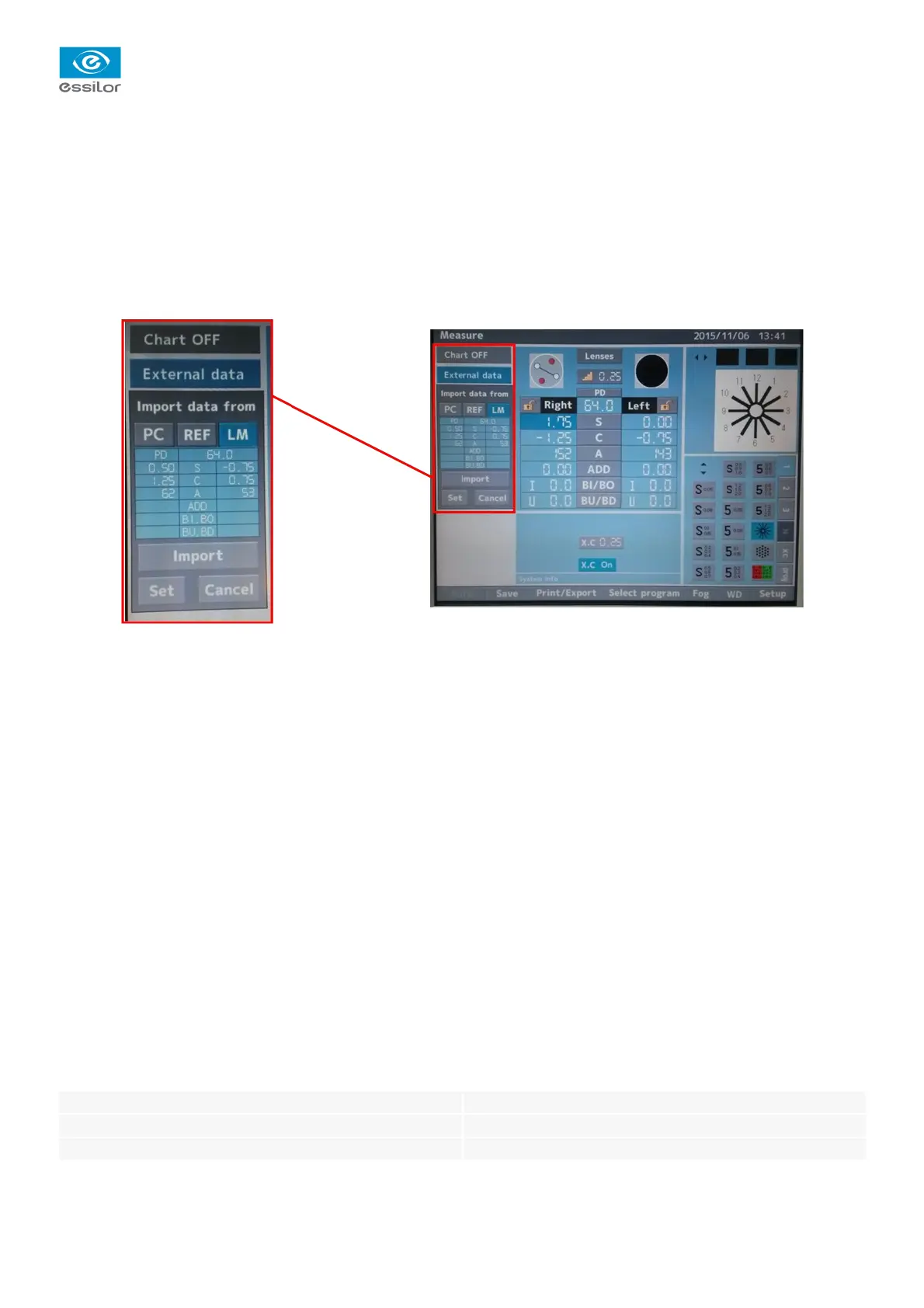
To import data manually, click on the button:
• REF if you wish to import data from an AKR
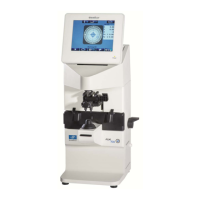
• LM if you wish to import data from an ALM
Automatic mode
If importing is set to automatic: the data is displayed automatically as soon as the export is carried out and the
“Import”button turns gray.
> Press “SET” to set up the corresponding lenses in the head.
Written by D. Biasot
Checked by H Rizki
Approved by F. Drouard
International Customer Service
Essilor Instruments
64bis, avenue Aubert – 94306 Vincennes Cedex – France
Tél. : +33(0)1 72 94 71 00 – Fax : +33(0)1 72 94 70 27
17/17


 To Previous Page