EasyManua.ls Logo

EST LSS4 - Configuring IDCs

Default Icon
126 pages
Print Icon
To Next Page IconTo Next Page
To Previous Page IconTo Previous Page
Loading...
Panel
Configuration
Configuring
the
Initiating
Device
Circuits
(lDCs)
3.8
EachIDCinp
configured
(parameter
IDC
Code
1
2
tit
circuit
definedasan
alarmor
Waterflow
zone
must
to
operateoneor
more
Notification
Appliance
Circuits
selection
"O”),and as one of the
selectionsI
isted
below:
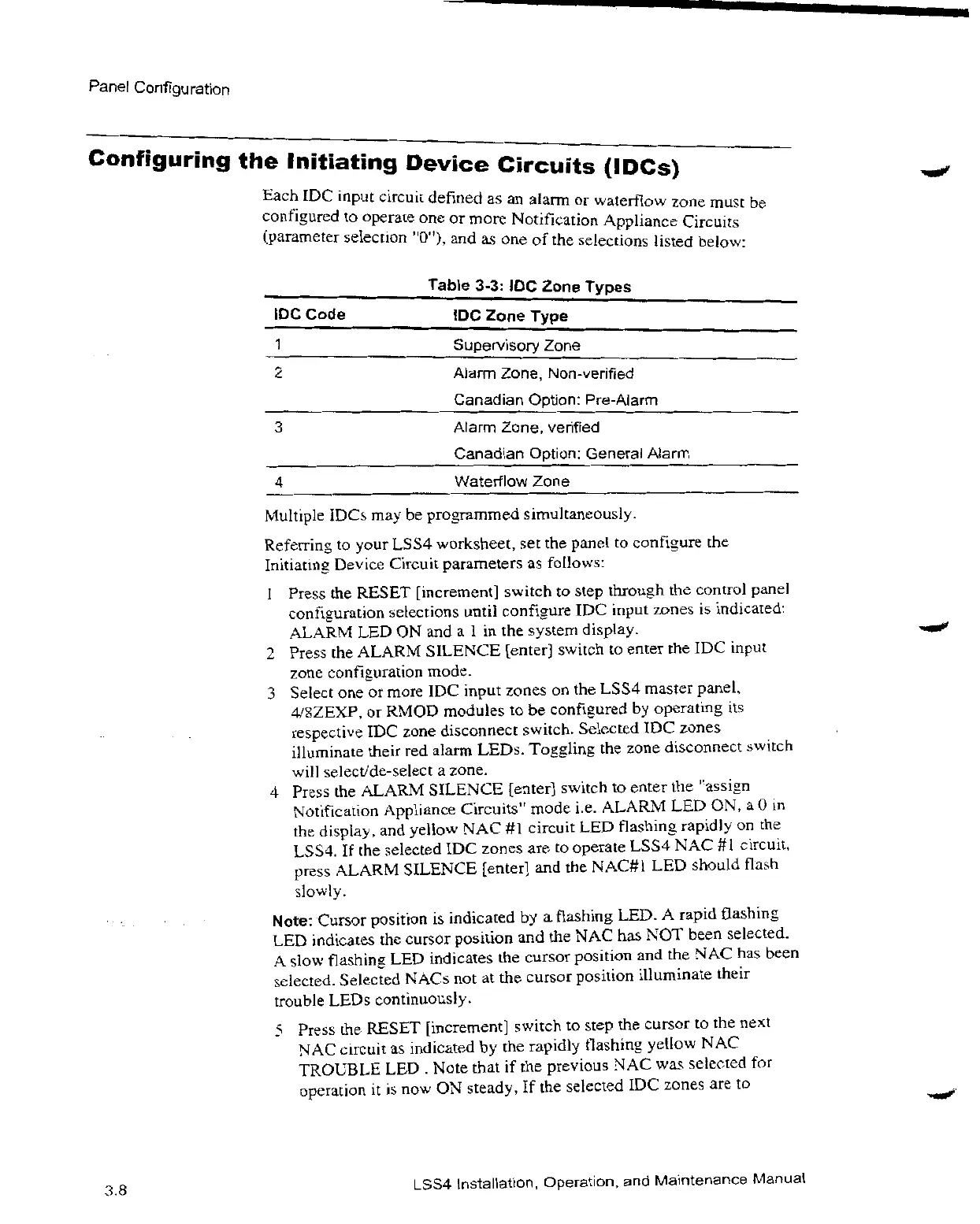
Table
3-3:IDC
Zone
Types
IDC
Zone
Type
Supervisory
Zone
Alarm
Zone,
Non-verified
Canadian
Option.
Pre-Alarm
Alarm
Zone,
verified
Canadian
Option:
General
Alarm
4
Waterflow
Zone
Multiple
IDCsmaybe
programmed
simultaneously.
Referringto
your
LSS4
worksheet,setthe
paneltoconfigurethe
Initiatine
Device
Circuit
parametersas
follows:
be
1
Pressthe
RESET
[increment]
switchto
step
throughthe
control
panel
3
configuration
selections
until
configureIDC
input
zones
is
indicated:
ALARMLEDONanda1inthe
system
display.
Pressthe
ALARM
SILENCE
[enter]
switchto
entertheIDC
input
zone
configuration
mode.
Selectone or
moreIDC
input
zonesonthe
LSS4
master
panel,
48ZEXP,or
RMOD
modulestobe
configuredbyoperating
its
respectiveIDC
zone
disconnect
switch.
SelectedIDC
zones
illuminate
theirred
alarm
LEDs.
Togglingthe
zone
disconnect
switch
will
select/de-selecta
zone.
4
Pressthe
ALARM
SILENCE
[enter]
switchto
enterthe
"assi n
Notification
Appliance
Circuits”
mode
i.e.
ALARMLEDON,a0in
the
display,and
yellow
.NACAl
LSS4.Ifthe
selectedIDC
zones
circuitLED
flashing
rapidlyon the
areto
operate
LSS4NAC#1
circuit,
press
.ALARM
SILENCE
[enter]and the
NAC#1LED
Should
flash
slowly.
tlote:
Cursor
position
is
indicatedby a
flashin
B
LED.A
rapid
OaShing
LED
indicatestne
cursor
positionand theNAC has
n•OT
been
selected.
A
slow
flashingLED
indicatesthe
cursor
positionand theN AC
has
been
selected.
Selected
NACsnotatthe
cursor
position
illuminate
their
trouble
LEDs
continuously.
5
Press
the
RESET
[increment]
switchto
stepthe
cursortothe
next
NAC
circuitas
indicatedby the
rapidly
flashing
yellowNAC
TROUBLELED.
Note
that
if the
previousNAC was
selected
for
operation
it
is now ON
steady,Ifthe
selectedIDC
zonesare
to
LSS4
Installation,
Operation,and
Maintenance
Manual

Related product manuals