EasyManua.ls Logo

ESX Signum Series - User Manual

ESX Signum Series
40 pages
Go to English
Print Icon
To Next Page IconTo Next Page
Loading...
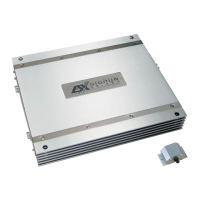
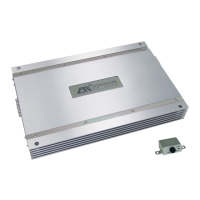
MONO CLASS D AMPLIFIER
SXE1200.1D
SXE2000.1D
Question and Answer IconNeed help?

Do you have a question about the ESX Signum Series and is the answer not in the manual?

Summary

Important Notes Prior to Installation

Power Supply and Turn-On Connection

Loudspeaker Connection

Audio Signal Cables

High Level Inputs & Auto Turn On

Input Sensitivity Adjustment

Variable Subsonic Filter

Variable Low Pass Filter

Variable Bass Boost

Phase Shift Controller

Bass Level Remote Controller

Master;Slave Operation

Master;Slave Operation Details

Protection Circuit

Troubleshooting

Check Amplifier for Proper Connections

Verify connections, fuses, voltage, and ground for amplifier operation.

Troubleshoot Red Protect LED

Address shorts, low impedance, or overheating issues causing red protection light.

Check Amplifier for Audio Output

Verify RCA input connections and test for AC voltage to ensure audio signal.

Troubleshoot Popping Noise on Turn On

Diagnose popping noise by disconnecting signal or using a delay turn-on module.

Address Engine Noise Issues

Route cables away from power/ground, bypass components, or improve grounding.
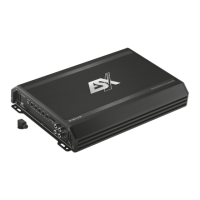
ESX Signum Series Specifications

General IconGeneral
BrandESX
ModelSignum Series
CategoryAmplifier
LanguageEnglish

Related product manuals