EasyManua.ls Logo

ESX VN830 SK-OC3 - User Manual

ESX VN830 SK-OC3
52 pages
Print Icon
To Next Page IconTo Next Page
Loading...
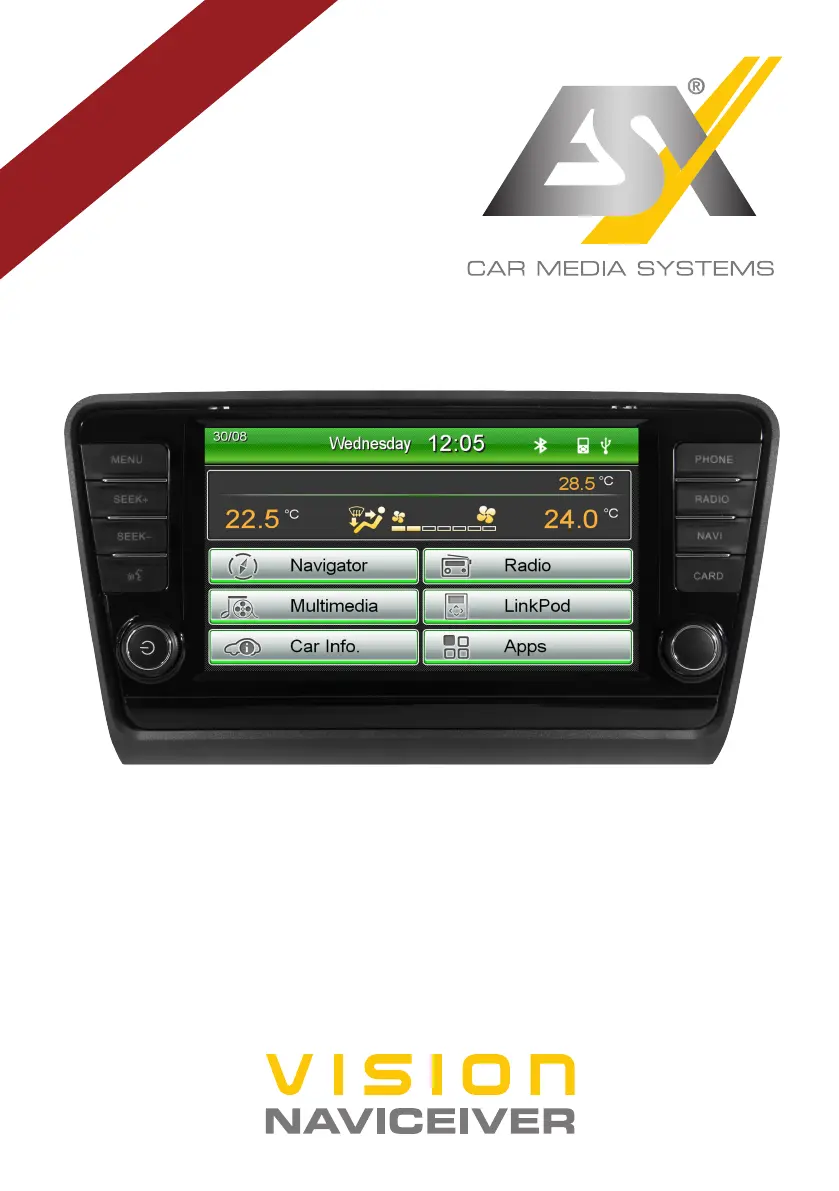
VN830 SK-OC3
V1. 0
OWNER‘S
MANUAL

Other manuals for ESX VN830 SK-OC3

Questions and Answers

  • A
    Anthony SmithSep 9, 2025
    Why is the route guidance wrong on ESX Car Navigation system?
    • P
      pwhiteSep 9, 2025
      If the route guidance doesn't match the current road or the map is wrong on your ESX Car Navigation system, the navigation software might not be up to date; update the software or contact the software supplier.
  • L
    Linda WeberAug 23, 2025
    Why can't my ESX Car Navigation system find my location?
    • B
      Brianna JordanAug 23, 2025
      If your ESX Car Navigation system can't find your current location or the route guidance is disturbed, the issue might stem from a couple of things. Check the GPS antenna connection, replacing it if defective. Alternatively, you may be in an area with a weak or nonexistent GPS signal, such as a tunnel or remote road; continue driving until the GPS signal becomes available again.
  • R
    Robert GrahamAug 25, 2025
    How to turn on ESX Car Navigation system?
    • S
      Shelby MortonAug 25, 2025
      If your ESX Car Navigation system isn't turning on, it could be due to a couple of reasons. If the ignition is off, press and hold the power button of the unit for about 2 seconds to turn it on; note that the device automatically switches off after 30 minutes. Alternatively, the fuse or a fuse in the vehicle electronics might be defective; replace the blown fuse with a new one of the same type and value.
  • R
    rweberAug 27, 2025
    Why can't ESX Car Navigation system find any radio stations?
    • N
      Nicole RossAug 27, 2025
      If your ESX Car Navigation system isn't finding any radio stations during an automatic search, there are a few things to consider. First, under PTY, a program type might be selected that isn't available in your current area; select 'None' under PTY to disable the search for a specific program type. Second, AF or TA might be activated; disable the AF and TA functions and start the search again. Finally, the antenna system might not be working correctly; check the plug connection of the original antenna to the radio or inspect the car antenna system.
  • W
    William GriffinAug 27, 2025
    What to do if the screen is black on ESX Car Navigation system?
    • V
      valentinegregoryAug 27, 2025
      If the screen on your ESX Car Navigation system is black, it might be due to a couple of reasons. The display might be disabled; simply tap on the screen. Alternatively, the device might be in standby mode; press the left knob on the device.
  • J
    Joshua MendezAug 29, 2025
    Why is the touchscreen on my ESX Car Navigation system inaccurate?
    • N
      Nancy RamirezAug 29, 2025
      If the touchscreen function on your ESX Car Navigation system is inaccurate or delayed, it might be due to a couple of reasons. First, the touchscreen might not be properly calibrated; calibrate it under Apps - Options - System. Second, the device might be opening an application or currently processing; wait until the process is completed.
  • S
    Sharon BallardSep 18, 2025
    How to improve picture quality on ESX Car Navigation system?
    • A
      Anthony ReedSep 18, 2025
      If the picture quality during playback is insufficient on your ESX Car Navigation system, the brightness, contrast, and color saturation might be set too low; check the DVD player settings and correct them.
  • N
    Nancy MasseySep 19, 2025
    Why does the camera activate when reversing with ESX Car Navigation system turned off?
    • M
      Michelle BensonSep 22, 2025
      The rear camera has priority for safety reasons and also starts the transmission when the device is turned off. Only after the reverse drive has finished, the device is operable again and can be started.
  • J
    Jimmy DunnSep 7, 2025
    Why is my iPod not working with ESX Car Navigation system?
    • O
      ortizpatriciaSep 7, 2025
      If an optional connected device (like an iPod or TV-Tuner) isn't working with your ESX Car Navigation system, the device might not be properly connected or the connection cable might be defective; check all connections and replace any damaged cables. The device might not be compatible; if necessary, perform a software update or try another device.
  • S
    Steven KeySep 4, 2025
    Why is there no camera transmission on my ESX Car Navigation system?
    • M
      Megan WilsonSep 4, 2025
      If there's no front or rear camera transmission on the screen of your ESX Car Navigation system, the camera might not be properly connected to the device; check the connections for any mistakes. The camera might have been installed improperly; check the installation for any mistakes. The camera video format might be wrong, or the model incompatible; replace the camera with a compatible model or refer to the camera's owner’s manual.

ESX VN830 SK-OC3 Specifications

General IconGeneral
BrandESX
ModelVN830 SK-OC3
CategoryCar Receiver
LanguageEnglish

Related product manuals