EasyManua.ls Logo

ESX VN720 VW-U1 - User Manual

ESX VN720 VW-U1
48 pages
Print Icon
To Next Page IconTo Next Page
Loading...
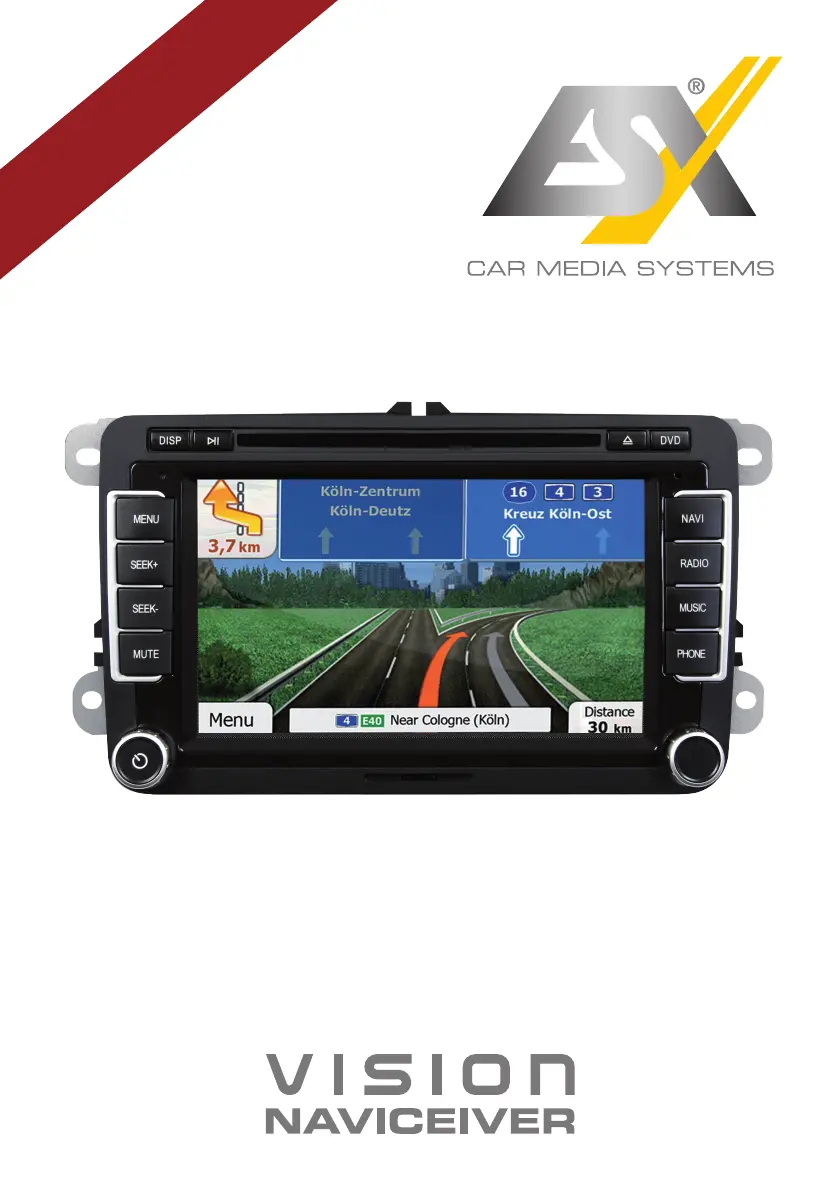
VN720 VW-U1
V1. 2
OWNER‘S
MANUAL

Other manuals for ESX VN720 VW-U1

Questions and Answers

  • E
    Edward RoseSep 10, 2025
    How to enable Bluetooth audio function on ESX Car Receiver?
    • G
      gina65Sep 10, 2025
      If there is no Bluetooth audio function on your ESX Car Receiver, enable the function in your phone settings. If the issue persists, the Bluetooth standard of your phone may not be compatible, try using a compatible phone.
  • M
    Monica WilliamsAug 22, 2025
    How to fix an ESX Car Receiver that cannot be turned on?
    • M
      Michael BoydAug 22, 2025
      If your ESX Car Receiver isn't turning on, check if it's due to operator error. You can turn on the device with the ignition off by pressing and holding the power button for about 2 seconds, noting it will automatically switch off after 30 minutes. Also, inspect the fuse and the vehicle electronics for any defects. If a fuse is blown, replace it with a new one of the same type and value.
  • J
    jmedinaAug 25, 2025
    What to do if my ESX VN720 VW-U1 has no connection or pairing of the devices?
    • A
      Ashley HallAug 25, 2025
      If the ESX Car Receiver is not connecting or pairing with your device, ensure that Bluetooth is enabled in your phone's settings and that your phone is set to 'visible'. If compatibility is an issue, try using a compatible phone. Also, if too many Bluetooth devices are registered, delete unused ones from the device's storage.
  • J
    John NunezAug 26, 2025
    Why ESX Car Receiver does not find radio stations during automatic station search?
    • A
      allenfredAug 26, 2025
      If the ESX Car Receiver is not finding radio stations during an automatic search, first, go to PTY and select 'None' to disable the search for specific program types. If that doesn't work, disable the AF and TA functions and try the search again. Finally, inspect the plug connection of the original antenna to the radio or check the car antenna system for any issues.
  • K
    Kari BradleyAug 27, 2025
    How to calibrate the touchscreen on an ESX Car Receiver?
    • J
      John WilsonAug 27, 2025
      If your ESX Car Receiver's touchscreen isn't responding accurately or is delayed, it might not be properly calibrated. You can calibrate the touchscreen by going to Apps - Options - System. If the device is processing something, wait until it is completed.
  • S
    Sarah Powell DDSAug 29, 2025
    What to do if the ESX VN720 VW-U1 screen is black?
    • C
      Christy FergusonAug 29, 2025
      If the display on your ESX Car Receiver is black, tap the screen to see if the display is disabled. If that doesn't work, the device might be in standby mode; press the left knob on the device to exit standby mode.
  • T
    Tina MorrowSep 18, 2025
    Why is nothing to see on the displayed map of ESX VN720 VW-U1?
    • J
      Jeremy HarrisSep 18, 2025
      If nothing is displayed on the map of your ESX Car Receiver, the display scale of the map might be set too large or too small. Change the ratio of the display scale until the map is properly displayed. It could also be due to a brief loss of the GPS signal; continue driving until the GPS signal is available again.
  • J
    John JosephSep 12, 2025
    How to improve the picture quality on ESX VN720 VW-U1?
    • H
      Heather CastilloSep 12, 2025
      If the picture quality is insufficient during playback on your ESX Car Receiver, check the DVD player settings and adjust the brightness, contrast, and color saturation.
  • H
    howardmackenzieSep 8, 2025
    Why is the playback on my ESX Car Receiver disrupted?
    • R
      Robert JohnsonSep 8, 2025
      If you're experiencing erroneous or disrupted playback on your ESX Car Receiver, make sure the disc is inserted correctly with the print side up. If the disc is scratched, broken, or deformed, try another disc. Also, ensure the disc is compatible with the device.
  • M
    Michele McintoshSep 4, 2025
    What to do if the connected device is not working on ESX VN720 VW-U1 Car Receiver?
    • J
      Jessica HerreraSep 5, 2025
      If the connected device isn't working with your ESX Car Receiver, first, check all connections and replace any damaged cables. If the issue continues, the device might not be compatible. If necessary, perform a software update or try another device.

Summary

Safety Information

General Safety Guidelines

Crucial safety instructions for device operation and installation.

Device Handling and Precautions

Guidelines on device care, handling, and avoiding damage or hazards.

Main Menu Navigation

Navigation System Operation

Audio Player Functionality

Radio Operation Guide

Radio Settings and Presets

DVD and CD Player Usage

Bluetooth Connectivity Management

Pairing and Disconnecting Devices

Steps for pairing, connecting, and disconnecting mobile phones via Bluetooth.

iPod;iPhone Integration (LinkPod)

Basic Audio Settings

Advanced Audio Settings

E-Link for Android Devices

Date and Time Configuration

Display and Camera Settings

Voice Control Activation

Voice Control Features

System and Touchscreen Calibration

Touchscreen Recalibration

Steps to recalibrate the touchscreen for accurate input.

Vehicle Integration Features

Camera and Parking System Features

Troubleshooting: Startup and Display Issues

Starting Process Problems

Solutions for device not turning on or initial boot issues.

Display Functionality Issues

Troubleshooting for touchscreen input and black screen problems.

Audio System Problems

Solutions for no sound or distorted audio output.

Troubleshooting: Media and Connectivity

Troubleshooting: Navigation, Radio, and E-Link

Navigation System Issues

Solutions for navigation startup, GPS signal, and route calculation problems.

Troubleshooting: Bluetooth, Camera, and Control Systems

Bluetooth and Phone Connectivity

Solutions for Bluetooth pairing, audio, and phonebook connectivity.

ESX VN720 VW-U1 Specifications

General IconGeneral
Screen Size7 inch
RAM2GB
GPSYes
USBYes
RadioYes
Steering Wheel ControlYes
Rear View Camera InputYes
Backup Camera InputYes
Resolution1024x600
Operating SystemAndroid
ProcessorQuad Core
BluetoothYes
Wi-FiYes
SD Card SlotYes
Radio TunerFM/AM
Supported Audio FormatsMP3, WMA, AAC, FLAC

Related product manuals