33
Voice (voice control)
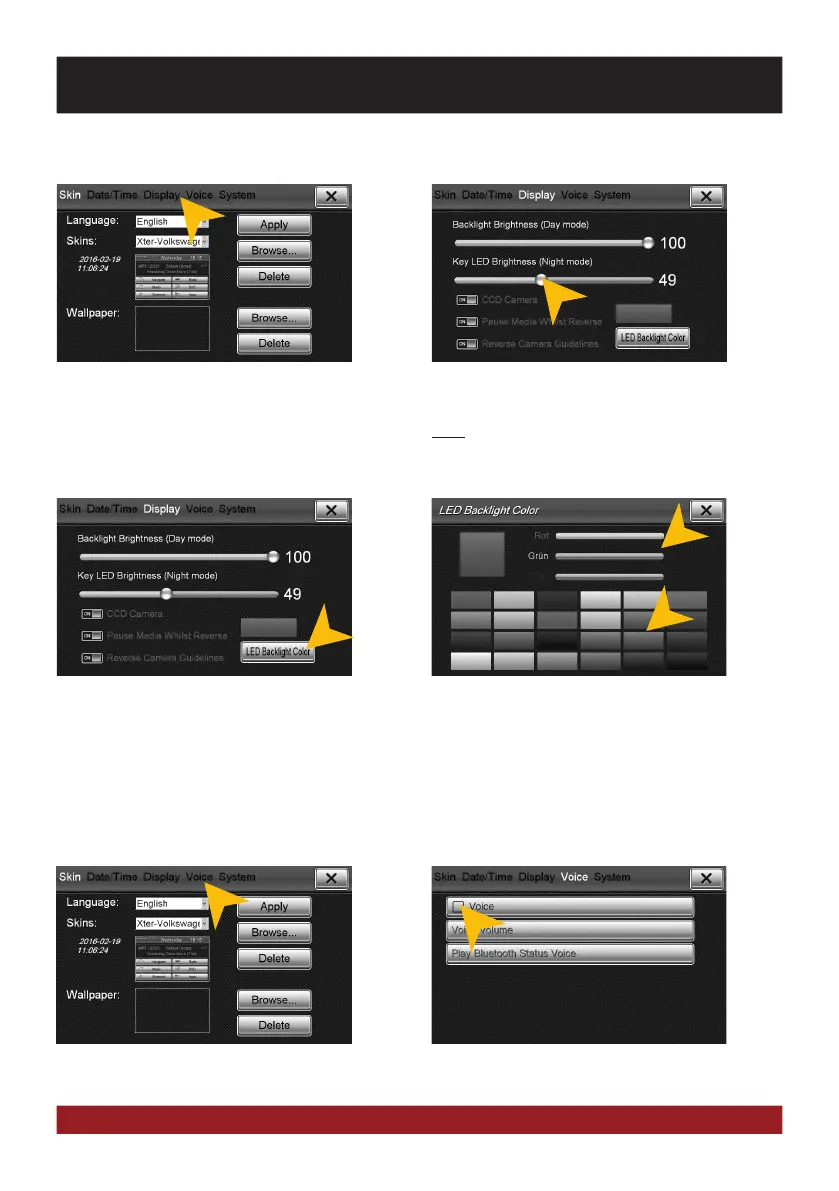
Tap on „Voice“. Tap on „Voice“ to activate the voice control.
Set the key Illumination brightness by mov-
ing the status bar to a desired position.
Note: This is only possible when the light of
the vehicle is switched on.
Under „LED Backlight Color“ you can adjust
the color of the Key illumination.
You can select a preset color or create a own
color set via the RGB controller bars.
Key illumination of the device (only in night driving mode)
Tap on „Display“.
BASIC FUNCTIONS



 To Next Page