Cobalt 8.1 - 20181029
677
Effects - Views
Effects can be viewed in three views
• Effects tab
• Selected channels - Live tab area
• Live Effects tab
There are two ways to display an effect
• As a channel handle (in tabs)
• As a device (in Live Effects)
Channel handle
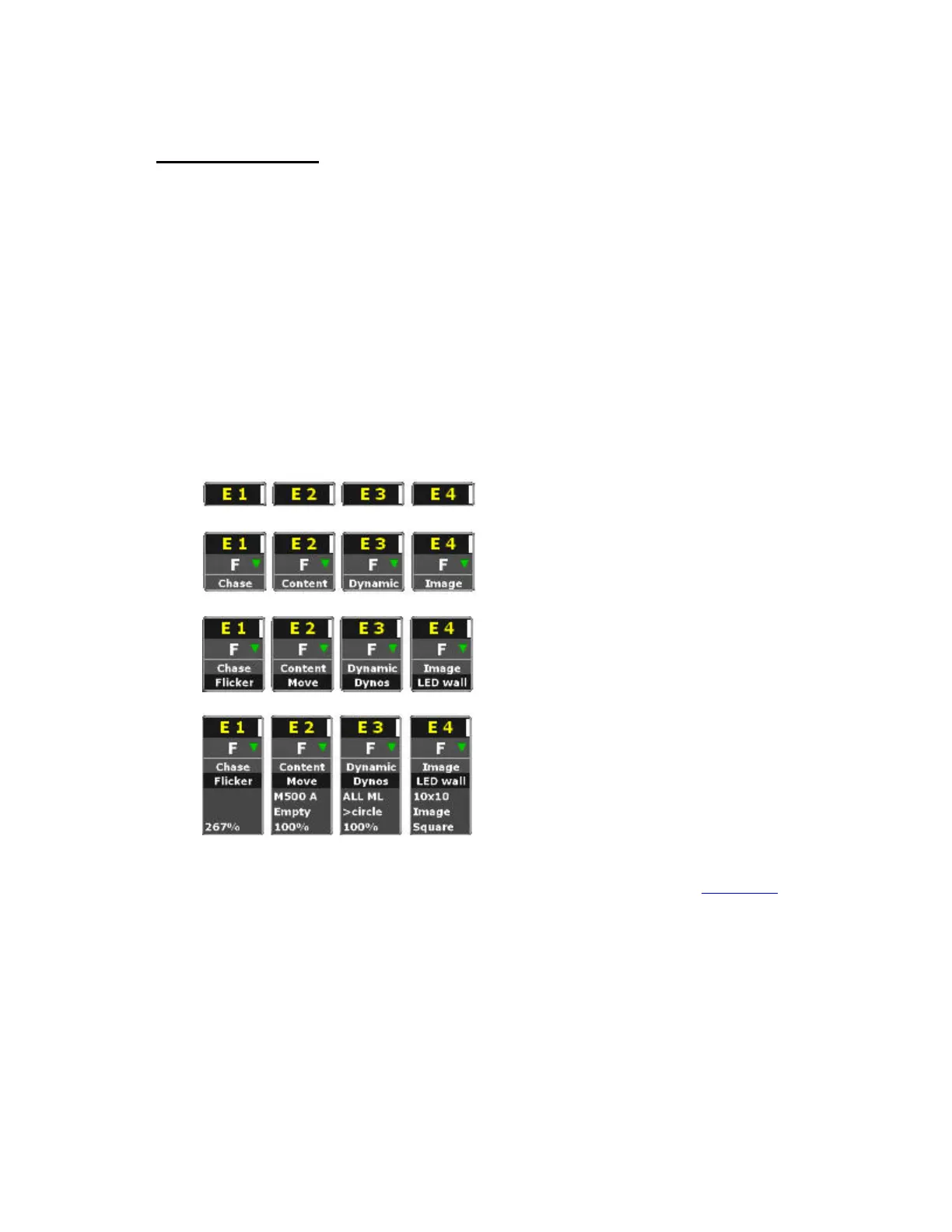
The effect handle in the Effects and Selected Channels - Live dock have four levels of detail. Hold
FORMAT and press up/down arrow to select them.
Device
In the Live Effects tab all attributes are displayed just like a moving device. See Live Effects
.


 To Next Page