ETC Setup and Connect Guide
Paradigm 18 inch Touchscreen
P-TS18 Touchscreen Page 14 of 15 ETC
[Set Password]
By factory default, a password is required to access the “Advanced” tab as well as to uninstall the P-VTS
software. The factory set password is “4116”. (This is always available as a backdoor password after
applying a user configured password.)
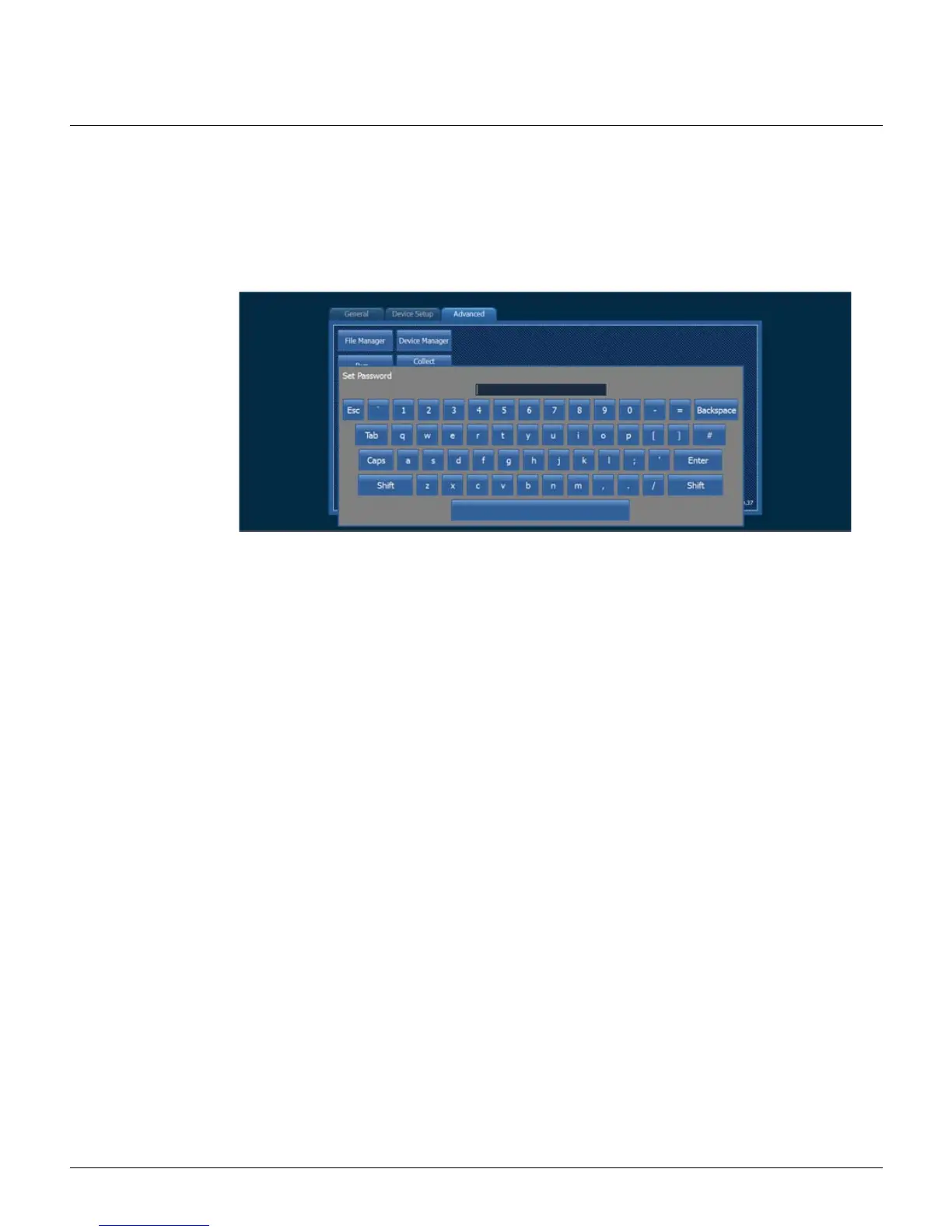
1: To specify a user configurable password, touch the [Set Password] button. The alphanumeric keypad
displays.
2: Enter the new password and touch the [Enter] button to close the keypad. A dialog will display
confirming the password is set.
Password Enabled
The status of the “Password Enabled” checkbox next to the [Set Password] button determines whether or
not a password is required anywhere in the Application Shell. By default, this checkbox is enabled. To
disable the password requirement, touch the checkbox, leaving the box unchecked.
[Ping Test]
Verify the connection to other networked products, such as the Paradigm Central Control Server
(P-CCS) using the ping utility provided in the Advanced tab.
1: Touch the [Ping Test] button to display the alphanumeric keypad for entry of a specific IP address.
2: Enter the IP address of the host product. 10.101.10.10 is the default IP for a Paradigm Central
Control Server (P-CCS).



 To Next Page