29
USB Modes
1. Press the INPUT
Input menu,
and then press the ENTER button to enter USB Mode.
then press the ENTER button to enter.
sic, and then press the ENTER button to enter.
press ENTER button to enter.
then press the ENTER button to enter.
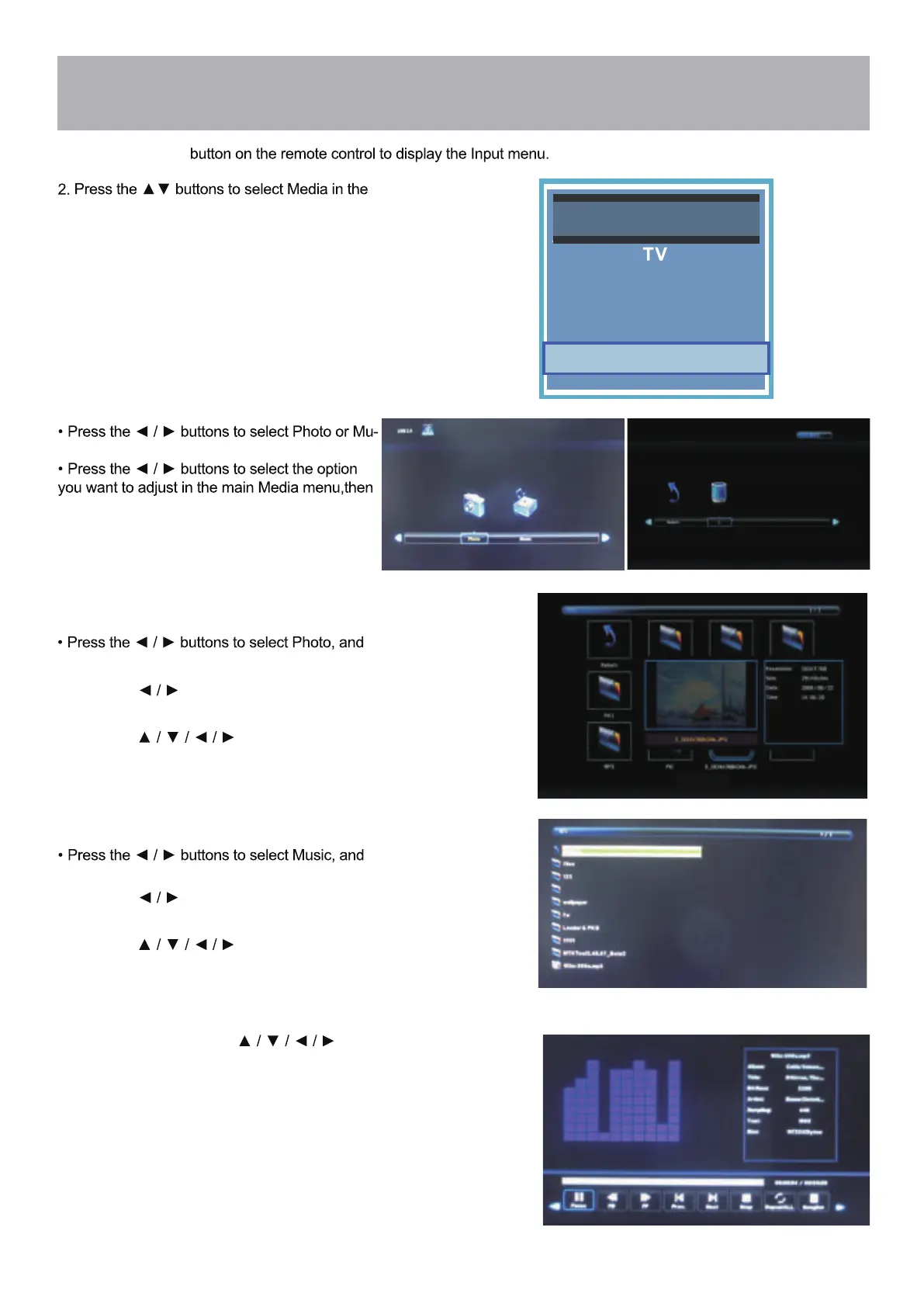
Source Selec t
HDMI
Component / AV
PC
Media
• Press the buttons to hightlight
the return option, then press ENTER to go back
to the previous screen.
you want to view, then press ENTER.
• Press the buttons to hightlight the photo
• Press the buttons to hightlight
the return option, then press ENTER to go back
to the previous screen.
you want to hear, then press ENTER.
• Press the buttons to hightlight the song
• During playback use the buttons to
hightlight the playback controls on the menu bar at
the bottom of the screen, then press ENTER to
select the hightlighted option.
• Press the MENU button to go back to the previous
menu.
• Press the EXIT button to exit the menu.



 To Next Page