Need help?
Do you have a question about the ETEKCITY ESF-551 and is the answer not in the manual?
Details weight capacity, increments, units, platform, battery, auto-off, dimensions, and operating system.
Advises against using the scale for diagnosis or treatment; data is not medical advice.
Guidance on checking for damage, avoiding impact, and not using if cracked.
Instructions on not mixing batteries and removing them for long-term storage.
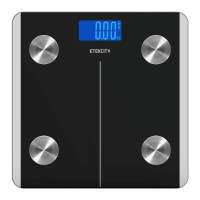
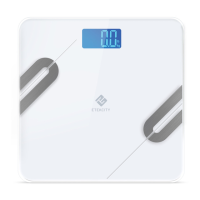
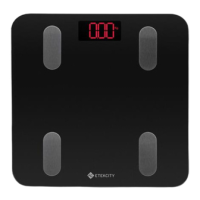
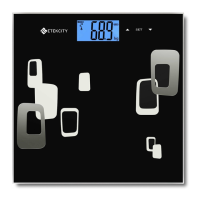
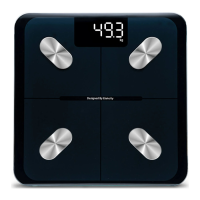
Identifies conductive areas, display, weighing platform, battery compartment, and anti-skid padding.
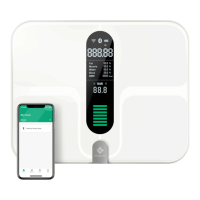
Identifies weight measurement, Bluetooth icon, and weight units.
Steps to open the compartment, remove insulator, and replace batteries correctly.
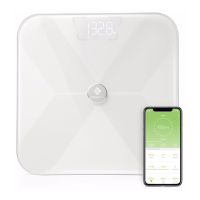
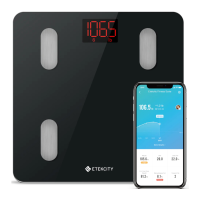
Guide to downloading the app, creating an account, and pairing the scale via Bluetooth.
Instructions for entering physical information for metric calculations and notes on gender, age, and consent.
Explains separate vs. shared VeSync accounts for multiple users and data privacy.
Instructions on placing the scale on a hard surface and zeroing it before use.
Steps for stepping on with bare feet on conductive areas for body composition analysis.
How to change measurement units (kg, lb, st) via the VeSync app.
Procedure to reset the scale for accurate readings after moving or flipping it.
Use a damp cloth, avoid chemicals, and dry thoroughly.
Steps to replace batteries when "Lo" is displayed, including proper disposal and polarity.
Explains common codes like Bluetooth Connection, No Bluetooth, Clearing, Overload, Change Battery, and Turning On.
Checks battery installation and plastic insulator strip.
Indicates low batteries that need replacement.
Troubleshooting steps for pairing the scale with the VeSync app.
Ensure scale is on a flat surface and reset to zero.
Tips for enabling full metric measurement, including barefoot use and conductive areas.
Steps to reconnect the scale to the app, including checking Bluetooth and restarting devices.
States compliance with Part 15, conditions for operation, and measures to correct interference.
Compliance with FCC RF exposure limits for uncontrolled environments.
Device compliance with Industry Canada's licence-exempt RSS.
Compliance with IC RSS 102 radiation exposure limits.
Lists product name and model number for reference.
Details the two-year warranty period and conditions.
Defines coverage for original consumer purchaser and transferability.
Warns against unauthorized sellers and advises on verifying product authenticity.
Lists items and conditions not covered by the warranty.
Outlines the 5 steps to claim warranty service, including proof of purchase.
Defines Etekcity's liability for damages, excluding indirect or consequential losses.
States that warranty policy may change but not retroactively.
Provides Etekcity's contact details, toll-free number, email, and support hours.
Lists trademarks and registered marks used in the manual.
 General
| Auto-Zero | Yes |
|---|---|
| Low Battery Indicator | Yes |
| Overload Indicator | Yes |
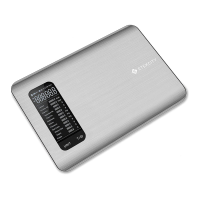
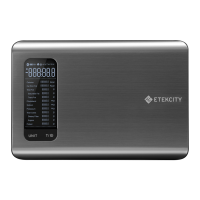
| Type | Kitchen Scale |
| Capacity | 11 lbs / 5 kg |
| Division | 0.04 oz / 1 g |
| Auto Shut Off | Yes |
| Units | g, oz, lb:oz, ml |
| Display | LCD |
| Material | Stainless steel |
| Product Weight | 1.1 lbs |

 To Next Page