EasyManua.ls Logo

ETEKCITY ESF00 - User Manual

ETEKCITY ESF00
32 pages
Print Icon
To Next Page IconTo Next Page
Loading...
1
Questions or Concerns? support@etekcity.com • (855) 686-3835
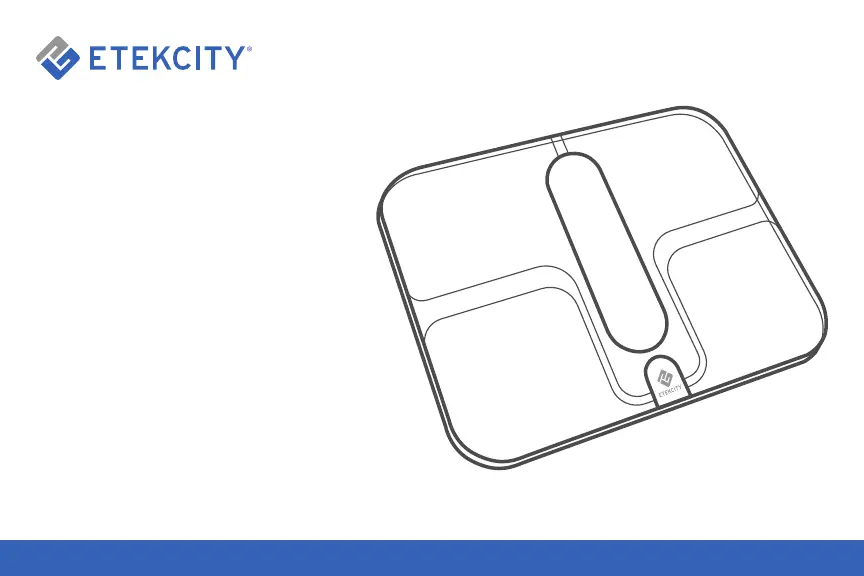
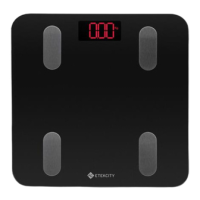
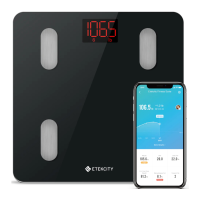
Smart Fitness Scale
Model No.: ESF00

Questions and Answers

  • N
    nathanstephensAug 3, 2025
    What to do if body fat is not measured on ETEKCITY ESF00?
    • D
      Deanna WilsonAug 3, 2025
      If your body fat isn't being measured when you weigh in on your ETEKCITY scale, make sure of the following: 1. Step on the scale with dry, bare feet, ensuring they are on the scale’s conductive areas. 2. Confirm that Bluetooth is turned on. 3. Enter your physical information into the VeSync app.
  • A
    alexorrAug 14, 2025
    How to turn on ETEKCITY ESF00?
    • B
      boydjenniferAug 14, 2025
      If your ETEKCITY scale doesn't turn on, check if the batteries are properly installed. If it's a new scale, ensure the plastic wrap is removed from the batteries.
  • J
    Jose TaylorAug 22, 2025
    Why does my ETEKCITY Scales screen flash and disappear?
    • D
      Darren WyattAug 22, 2025
      If the information on your ETEKCITY scale screen flashes and then disappears, the batteries are likely low and may need to be replaced.

Summary

Safety Information

Medical Precautions

Precautions regarding the use of the scale for medical conditions and body fat measurement.

Battery Safety

Guidelines for handling and using batteries to ensure safety and longevity.

General Usage Guidelines

Instructions for safe and accurate operation of the scale during measurements.

Initial Setup

Before First Use Instructions

Essential steps to prepare the scale for its initial operation.

App Setup Process

Download and Install VeSync App

Instructions for obtaining and installing the necessary mobile application.

Account Login or Creation

Guidance on signing up for a new account or logging into an existing one.

Basic Scale Operation

Weighing Without VeSync App

Steps for performing a basic weight measurement directly on the scale.

Connecting Scale to VeSync App

Pairing the Scale

Initial steps to establish a connection between the scale and the VeSync app.

Select Scale Model and Initiate Phone Connection

Choosing the correct scale model and initiating the phone's connection.

Device Scanning and Troubleshooting Connection

App scans for devices; instructions provided for connection failures.

Using the VeSync App

Weight Measurement via App

Guide on how to perform and view weight measurements using the VeSync app.

Step Onto Scale and Confirm Measurement

Instructions for stepping on the scale and confirming the measurement in the app.

Access Measurement Details and Options

Navigating to view more data like user management, graphs, and settings.

User Profile Management

Health Metrics Overview

Data Visualization and History

Device Settings and Connectivity

Maintenance Procedures

Replacing Scale Batteries

Troubleshooting Guide

Frequently Asked Questions (FAQ)

Customer Support Information

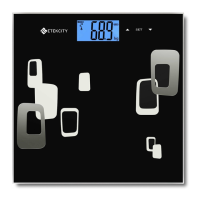
ETEKCITY ESF00 Specifications

General IconGeneral
TypeDigital Bathroom Scale
Capacity400 lbs / 180 kg
Unitslb/kg/st
DisplayLCD Display
Graduation0.2 lb / 0.1 kg
Platform MaterialTempered Glass
Accuracy±0.2 lb / ±0.1 kg
Auto Shut-offYes
Low Battery IndicatorYes
Overload IndicatorYes
Platform Size11.8 x 11.8 inches
Power Source2 x AAA batteries
MaterialTempered Glass

Related product manuals