EasyManua.ls Logo

ETEKCITY EK7017 - User Manual

ETEKCITY EK7017
18 pages
Print Icon
To Next Page IconTo Next Page
Loading...
1
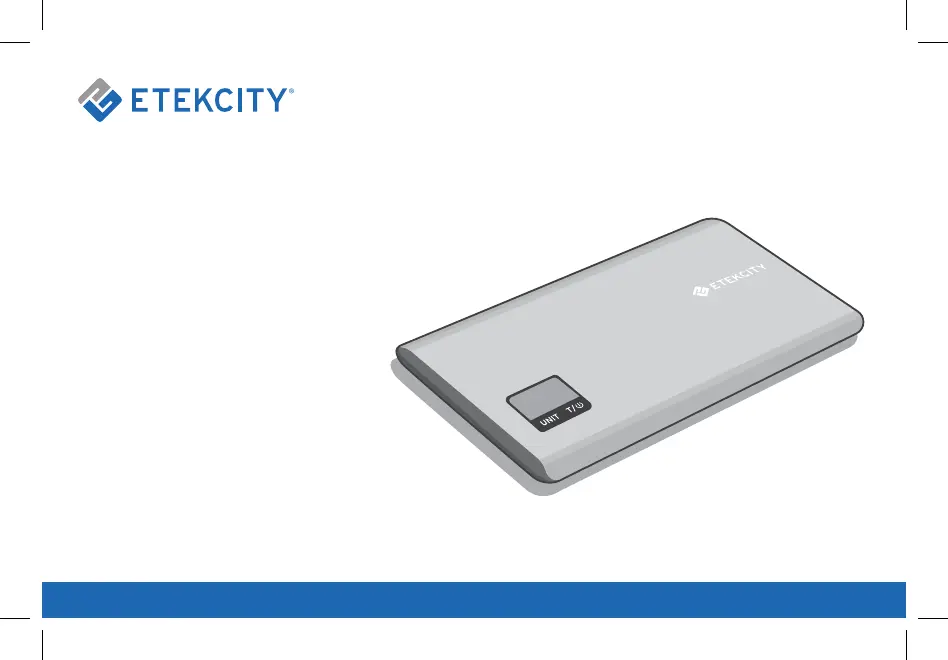
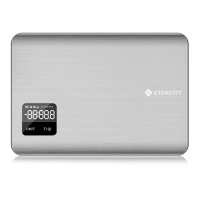
Digital Kitchen Scale
Model No.: EK7017
Questions or Concerns? support@etekcity.com • (855) 686-3835

Questions and Answers

  • E
    Elizabeth HernandezJul 28, 2025
    What to do if my ETEKCITY EK7017 device does not turn on?
    • C
      Carly ClarkJul 28, 2025
      If your ETEKCITY Scales won't turn on, there are a couple of potential reasons. First, the batteries may be out of power, in which case you should replace them. Second, the batteries may not be properly installed. Ensure you've inserted them with the correct polarity as marked in the battery compartment.
  • A
    Alyssa SalazarAug 3, 2025
    Why does my ETEKCITY EK7017 LCD display show 'Lo'?
    • J
      Jillian HarveyAug 3, 2025
      If the LCD display of your ETEKCITY Scales shows “Lo,” this indicates that the batteries are running low. You should replace the batteries to resolve this issue.
  • D
    Donna BranchAug 10, 2025
    What to do if my ETEKCITY EK7017 display shows 'Err'?
    • K
      Kelly SheaAug 10, 2025
      If your ETEKCITY Scales display shows “Err,” here are a few possible causes and solutions: * The scale might be placed on an uneven surface. Try placing it on a flat, stable surface. * The scale may need to be reset. Remove the batteries, wait 10 seconds, and then replace them. * The weight might exceed 11 lb (5kg). Promptly remove the object to protect the weight sensors and use a scale with a higher weight range.
  • T
    todd93Aug 15, 2025
    Why is the LCD display dim on my ETEKCITY EK7017 Scales?
    • A
      Amber Pope MDAug 15, 2025
      A dim LCD display on your ETEKCITY Scales could be due to a couple of reasons. The scale might be on standby; place an object on it for measurement or turn it off by pressing and holding the power button for 3 seconds. Alternatively, the batteries may be running low, so try replacing them.
  • T
    Thomas FrancisAug 21, 2025
    What to do if my ETEKCITY EK7017 display shows 'Err' (cont.)?
    • A
      Alan LangAug 21, 2025
      If your ETEKCITY Scales displays “Err,” it could be due to a couple of reasons: * Objects exceeding 2.2 lb (1 kg) were on the scale before it was turned on. Remove any objects and wait until the display reads zero before weighing. * The weight is unstable during measurement. Keep the weight stable on the measuring platform.

Summary

Safety Information

Main Functions

Digital Display

Set-Up

Operation

Weight Measurement Mode

Detailed steps for weighing items using the digital kitchen scale.

Volume Measurement Mode

Tare Function

Maintenance

Troubleshooting

Warranty Information

Additional 1-Year Warranty

Instructions on how to extend the product's warranty by an additional year.

Defective Products & Returns

Guidance on returning defective products and the process for support.

Customer Support

ETEKCITY EK7017 Specifications

General IconGeneral
BrandETEKCITY
ModelEK7017
CategoryScales
LanguageEnglish

Related product manuals