EasyManua.ls Logo

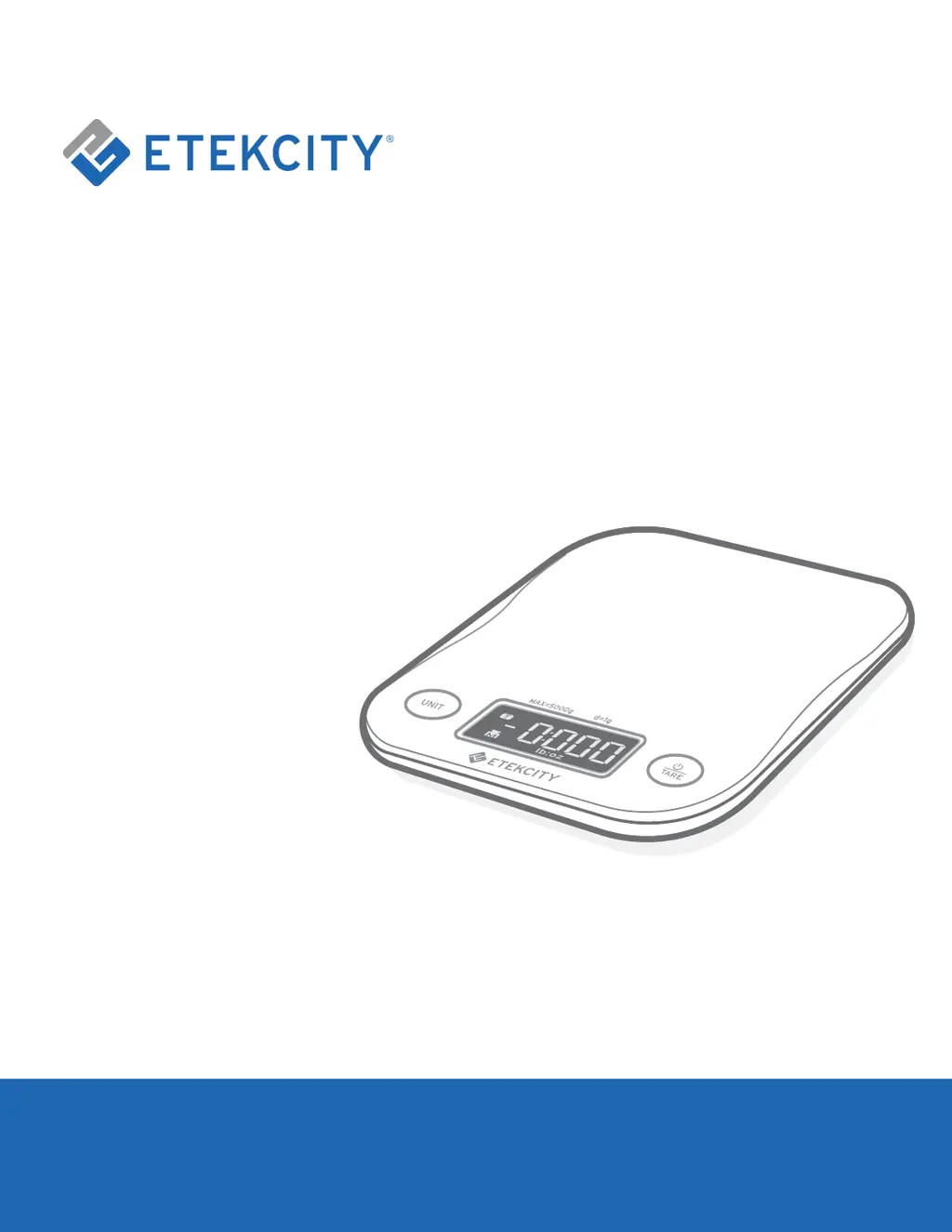
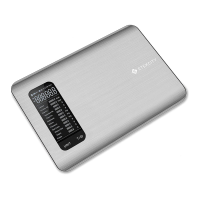
ETEKCITY EK8060 - User Manual

ETEKCITY EK8060
14 pages
Print Icon
To Next Page IconTo Next Page
Loading...
1
Digital
Kitchen Scale
Model: EK8060
User Manual
Questions or Concerns?
Mon–Fri, 9:00 am–5:00 pm PST/PDT
support@etekcity.com • (855) 686-3835

Questions and Answers

Summary

Product Information

Package Contents

Lists all items included with the digital kitchen scale.

Specifications

Details weight capacity, units, increments, and dimensions.

Safety Precautions

Important Safety Information

Essential precautions for scale operation, handling, and environment.

Scale Operation and Features

Function Diagram

Visual guide identifying scale components and buttons.

Symbols

Explains icons used for different measurement types (solids, liquids).

General Operation

Step-by-step instructions for turning on, selecting units, and weighing.

Zero; Tare Function

How to exclude container weight for accurate measurements.

Unit Conversion

Guide to switching between different measurement units.

Power Management

Information on automatic power off and manual shutdown.

Replacing the Batteries

Instructions for battery replacement to maintain scale functionality.

Support and Warranty

Troubleshooting

Common problems and their solutions for the digital kitchen scale.

Warranty Information

Details about the product warranty period and terms.

Customer Support

Contact information and hours for customer assistance.

ETEKCITY EK8060 Specifications

General IconGeneral
DisplayLCD
Unitsg, oz, lb:oz, ml
Auto-OffYes, 2 minutes
Accuracy± 0.04 oz / 1 g
TypeDigital Kitchen Scale

Related product manuals