EN 39
USING THE AUTOMATIC MENU SETTINGS
Defrost setting
These programmes use only microwaves. Remove all packaging before defrosting. Put meat,
poultry and fish on the ceramic baking tray.
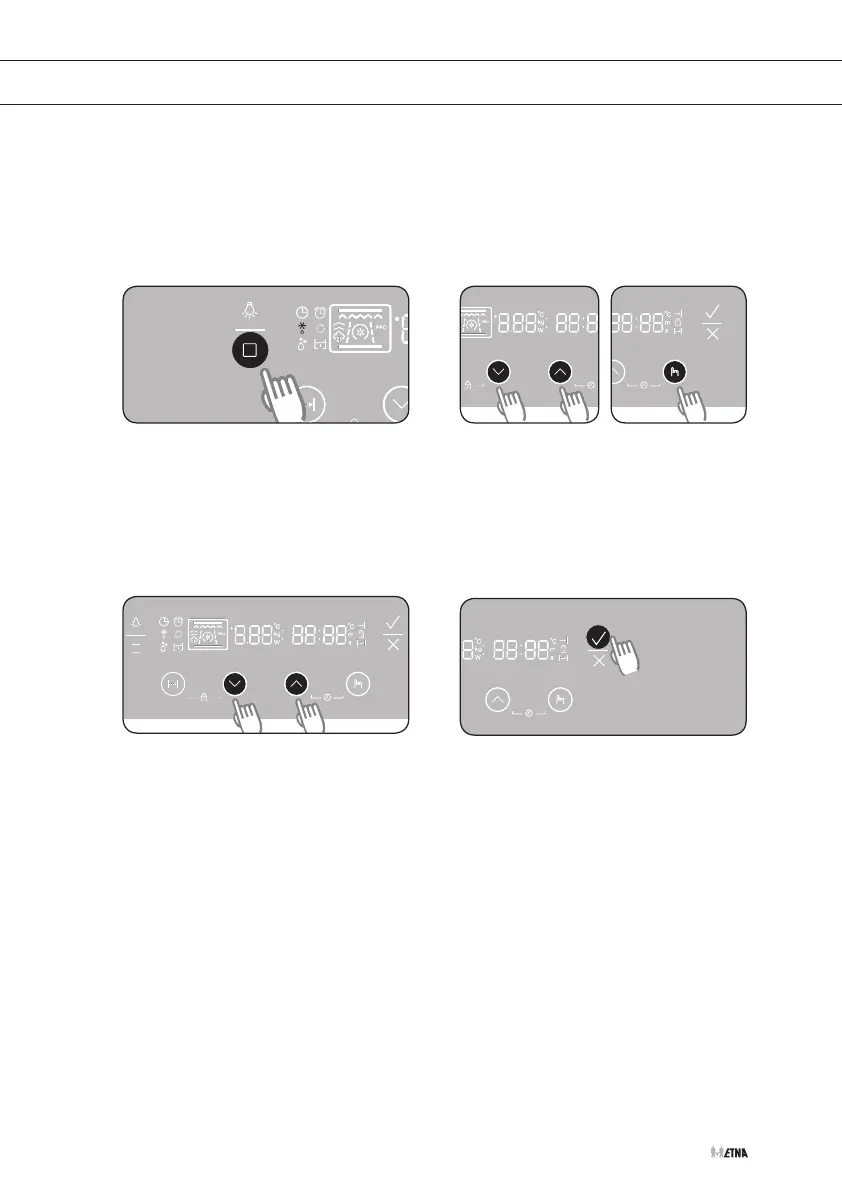
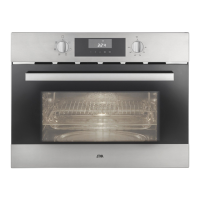
Selecting the defrost setting
Press the function selection button
nine times to select defrost setting.
The ‘d:01’ lights up in the display.
Press the settings buttons to set
the desired defrost time. Press the
selection button.
•
Consult the tables on the following
page for a description of the
40automatic menu settings.
Press the settings buttons to set the
desired weight.
If you do not select a weight, a weight
is set automatically after 5seconds.
Press START to start cooking.
1 2
3 4


 To Next Page