EasyManua.ls Logo

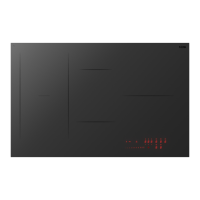
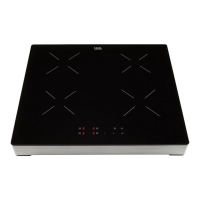
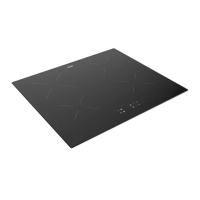
ETNA KI1160ZT - User Manual

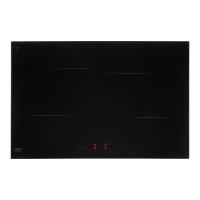
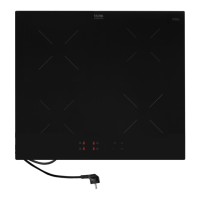
ETNA KI1160ZT
76 pages
Go to English
Print Icon
To Next Page IconTo Next Page
Loading...
GEBRUIKSAANWIJZING
INSTRUCTIONS FOR USE
MODE D’EMPLOI
BEDIENUNGSANLEITUNG
INDUCTIEKOOKPLAAT
INDUCTION HOB
TABLE DE CUISSON À INDUCTION
INDUKTIONSKOCHFELD
KI1160ZT

Table of Contents

Questions and Answers

  • N
    Nicole WheelerAug 9, 2025
    Why does my ETNA KI1160ZT Hob display ‘u’ when I switch on a cooking zone?
    • J
      Janet WilliamsAug 9, 2025
      If you've turned on a cooking zone on your ETNA Hob and the display shows 'u', it means the pan you're using isn't suitable for induction cooking or its diameter is less than 12 cm. To fix this, use a pan that is suitable for induction cooking.
  • A
    Andrew AllenAug 22, 2025
    What to do if my ETNA KI1160ZT is not working and the display is blank?
    • B
      Brenda ClarkAug 22, 2025
      If your ETNA Hob isn't working and the display is blank, it's likely due to a power supply issue caused by a defective cable or faulty connection. To resolve this, check the fuses or the electric switch if your hob doesn't have a plug.

ETNA KI1160ZT Specifications

General IconGeneral
TypeInduction
Number of cooking zones4
Control typeTouch control
Power7400 W
Voltage220-240 V
MaterialGlass ceramic
Weight10 kg
Width590 mm
Frequency50 Hz

Videos

How to Troubleshoot Display Problems on Etna KI1160ZT Induction Hob

Related product manuals