EN 12
USE
Controls
Using the oven
The oven has 11 oven functions. Consult ‘Oven functions table’ to select the correct oven
function to cook the dish.
1. Place the dish in the oven.
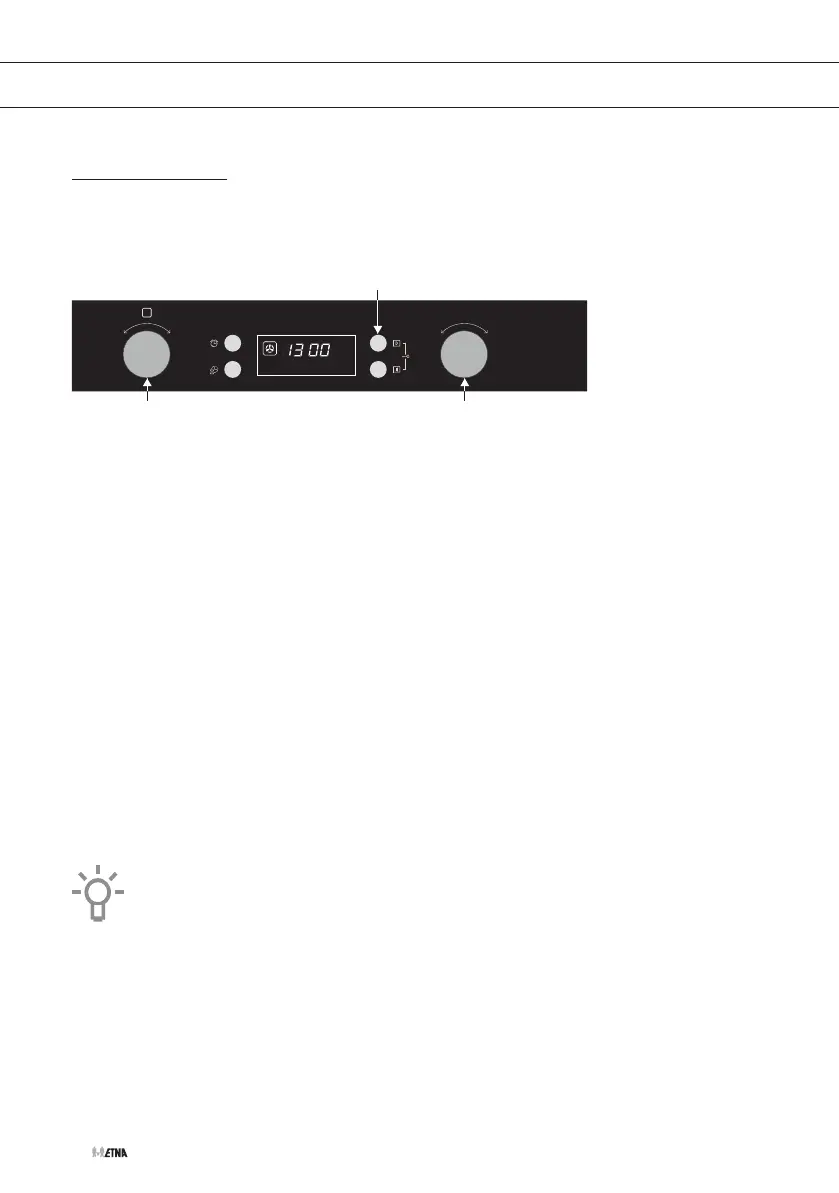
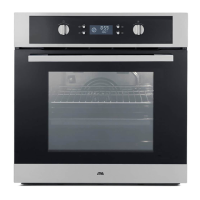
2. Turn the ‘oven function dial’ and select the desired setting by choosing the right symbol in
the display.
3. Set the oven to the desired temperature using the ‘selection dial’.
4. Press the start button to start the chosen function.
▷ The oven light switches on.
5. If desired use the ‘oven function dial’ to set a shorter cooking time.
▷ The default cooking time is 9 hours.
6. Press the start button to confirm the chosen cooking time.
▷ The oven switches on. The temperature is flashing.
▷ As soon as the oven has reached the desired temperature, the temperature indication
is displayed continuously.
▷ At the end of the set cooking time the oven will switch off.
▷ A signal will sound 5 times.
7. Press the stop button to pause or end the cooking process.
▷ Press the stop button once to pause the cooking process.
▷ Press the stop button twice to end the cooking process.
For some dishes, the oven must be preheated first! Consult the information
about the dish.



 To Next Page