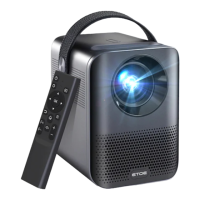
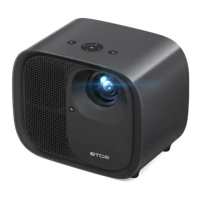
Chromecast (Wireless Connection)
The Chromecast feature only works while you are in the Android TV system.
① Make sure your device and the Android TV (HAKO mini) are
connected to the same Wi-Fi network, and that you are running the latest
version of the Chromecast-enabled app.
② Launch the Chromecast-enabled site/app.
③ Tap the cast button and choose the HAKO mini.
• Cast from Chromecast-enabled Sites/Apps (for Android/iOS devices)
① Connect your computer and projector to the same Wi-Fi network.
② Click "Cast" at the top right of the Chrome browser tab, and then
choose from the sources whether you want to cast the tab or the screen.
③ Choose the HAKO mini to cast.
① Make sure your Android device is on the same Wi-Fi network as your
Android TV (HAKO mini).
② Download the "Google Home" app on your Android device.
③ Open the "Google Home" app, choose "HAKO Mini."
④ Tap "Cast my screen".
① Make sure your iOS device is connected to the same Wi-Fi network
as your Android TV (HAKO mini) .
② Download the " AirScreen" app from the Google Play Store of
Android TV system.
③ Open the "AirScreen" app and follow the on-screen instructions on
AirScreen.
• Mirror from Android Devices
• Mirror from iOS Devices
• Cast from Chrome Browser tab (for Computers)
EN
11


 To Next Page